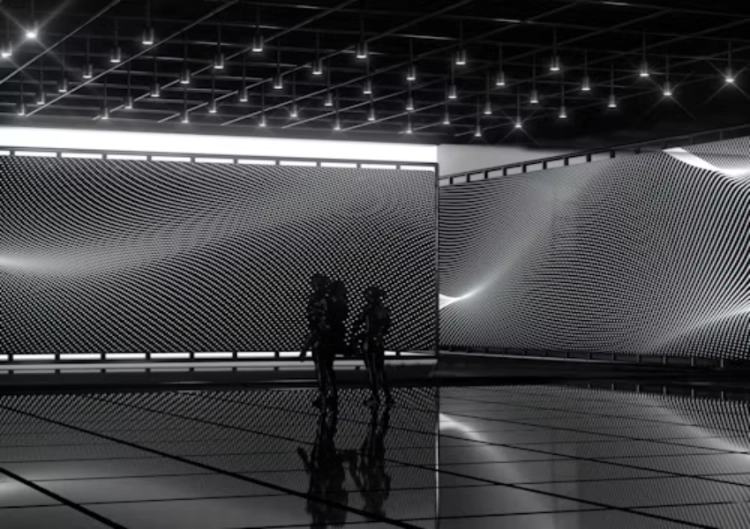
Moiré on an LED wall is a camera problem created by two repeating patterns meeting: the physical pixel grid and the camera’s sensor sampling. It may appear as ripples, waves, dark bands, false texture, or colour interference. The wall can look clean to the eye and still produce a distracting pattern in a recorded frame.
That is why an LED screen camera moire issue should be treated as a system interaction, not as a single bad-pixel fault. Pixel pitch matters. So do focus, lens distance, shutter, frame rate, camera angle, content detail, brightness, processor timing, and the shape of the wall. A studio can reduce the risk, but no pitch alone can promise a moire-free image in every shot.
The Physical Cause Behind the Pattern
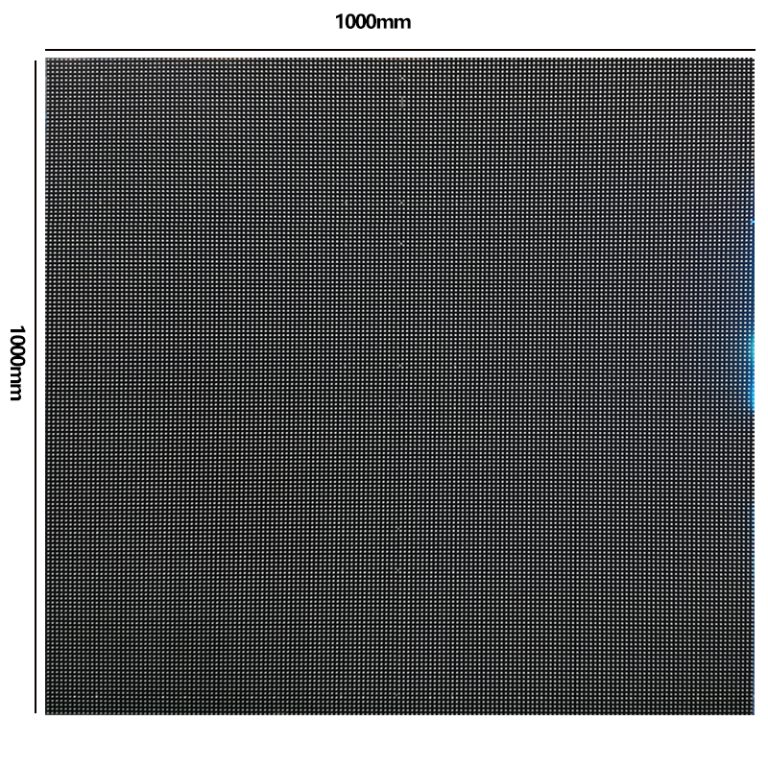
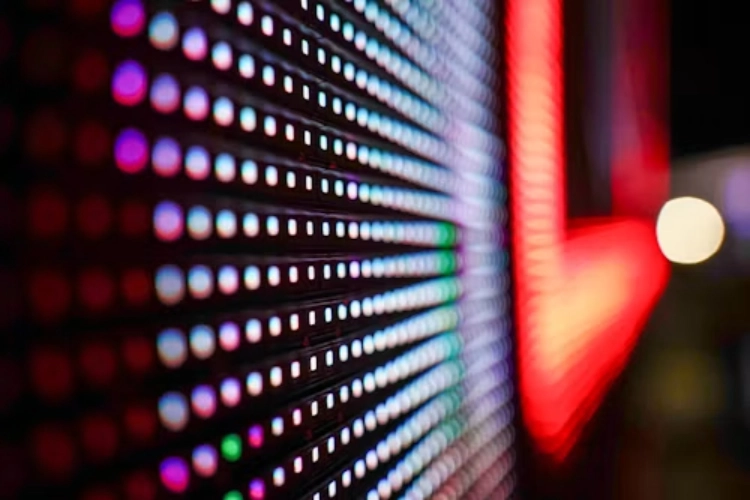
An LED wall is made from a regular matrix of luminous points. A camera sensor is another regular matrix. When the frequency and angle of those patterns interact, the camera can record a lower-frequency pattern that was not present in the original scene. Small camera moves or a change of focus can make it appear, disappear, or shift.
The effect becomes easier to notice when the camera resolves the pixel structure sharply. A close lens, a narrow aperture, a long static shot, and high-contrast content can expose the grid. Thin lines, repetitive architecture, small text, blinds, brick, and high-frequency textures are common triggers. A soft, distant background may hide the same physical wall.
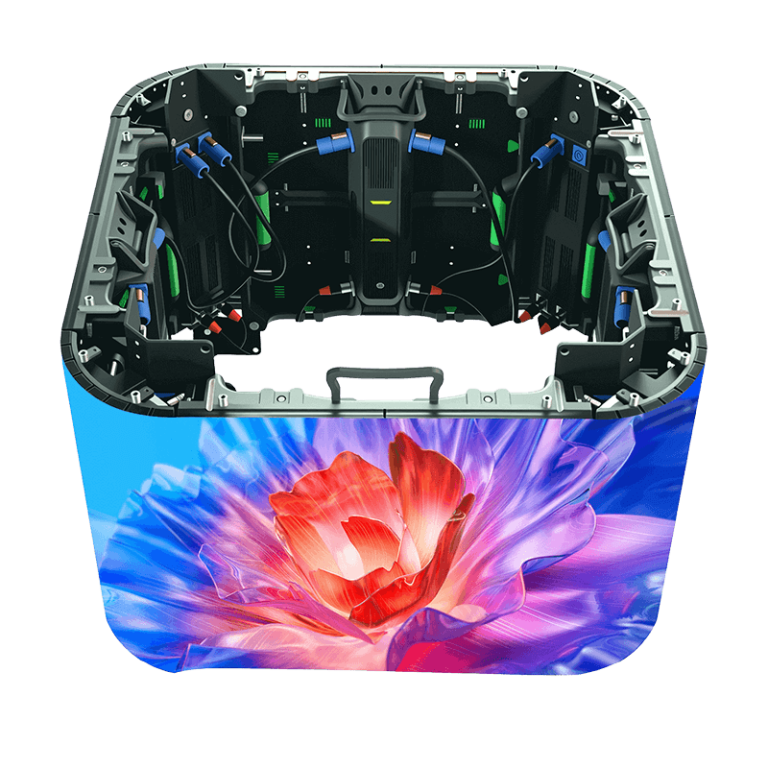
The wall’s angle matters too. A flat-on view presents one pattern relationship; an oblique view changes the spacing seen by the sensor. Curved LED volumes add another variable because the camera-to-pixel distance changes across the frame. Seams, alignment, and calibration differences can make the pattern look worse even when the core pitch is suitable.
Why Smaller Pitch Helps but Does Not Solve Everything
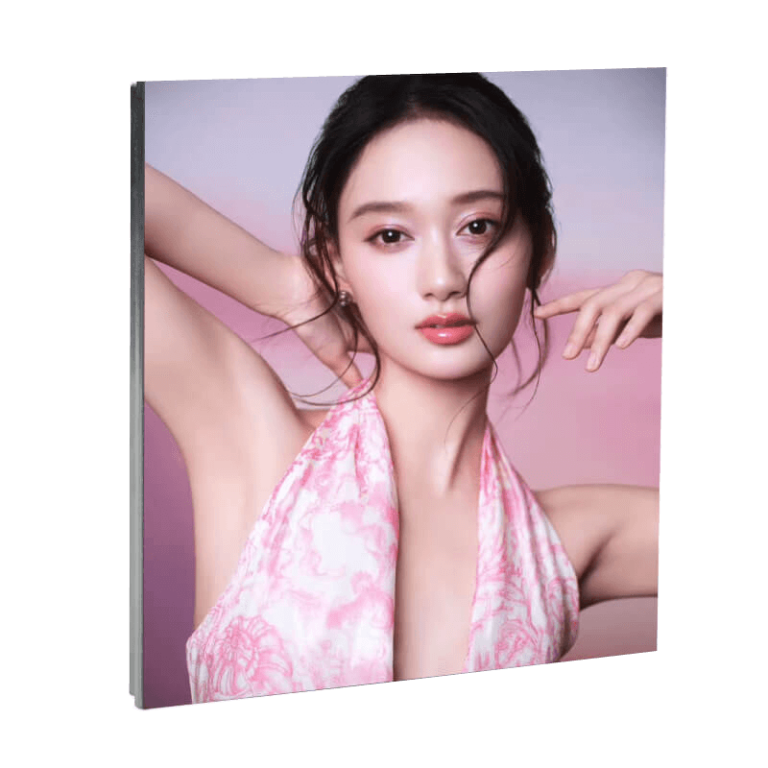
A smaller pixel pitch puts more pixels into the same area, making the individual structure finer from the camera’s point of view. That can move the visible pattern beyond the most problematic range for a particular lens and distance. It is one reason fine-pitch walls are often considered for studio work.
But smaller is not a magic setting. A close camera can still resolve a fine grid. A sharp repeating image can still interfere with the sensor. Poor focus, an unsuitable shutter, low-brightness noise, colour non-uniformity, or processor timing can create other artefacts that look similar to moire.
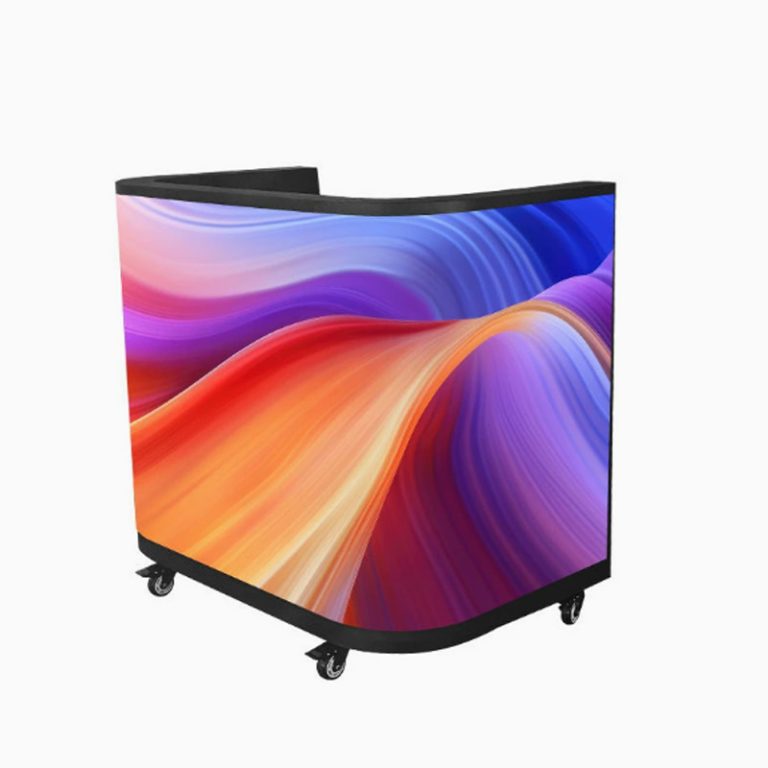
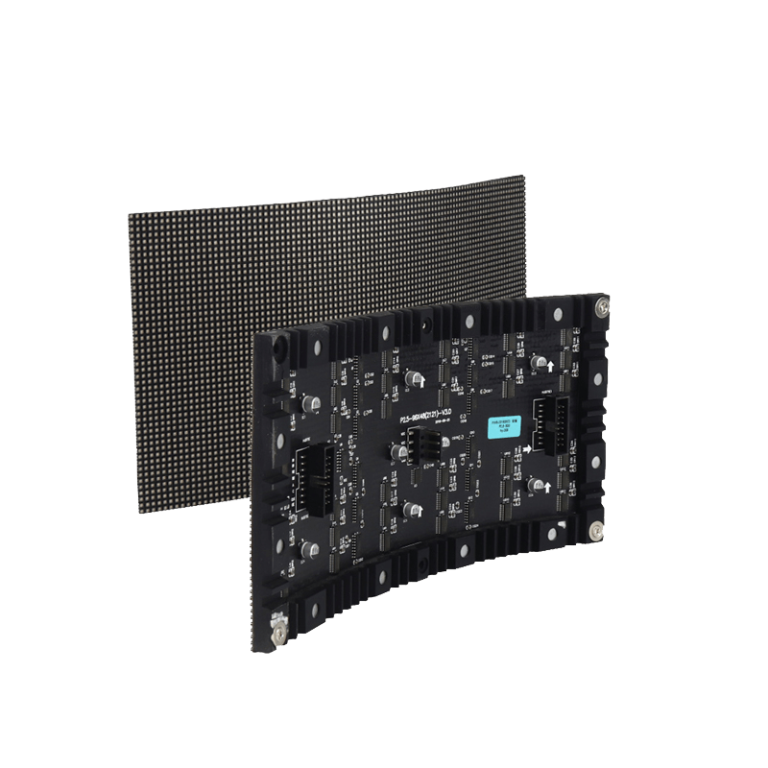
ที่ จอแสดงผลแบบยืดหยุ่นภายในอาคาร is relevant when the wall includes a curve or creative geometry. The product choice must still be tested at the proposed radius and camera positions. A flat sample does not prove that a curved stage will behave the same way.
Check the Wall at Working Brightness
Camera tests should not use maximum brightness by default. Virtual sets often run at a level that balances the wall with the talent and practical lights. It highlights low-brightness and high-grayscale behaviour as important for studio imagery. If gradients break up or colour shifts appear after dimming, the result can be mistaken for a moire problem.
Record the brightness setting, colour temperature, grayscale condition, processor mapping, lens, aperture, focus distance, shutter, and frame rate for every test. Without that record, a successful take is difficult to repeat when the camera or scene changes.
Camera Settings Change the Result
Shutter and refresh timing affect temporal artefacts such as flicker, scan lines, and dark bands. Moire is primarily spatial, yet the camera settings can make the physical pattern more or less visible. Frame rate, shutter angle, exposure, and sensor readout should therefore be tested together with the wall’s refresh rate and scan mode.
Leyaled references include indoor and flexible families with 3840 Hz or 3840-7680 Hz refresh references, while other products carry their own scan and drive information. The RFQ should identify the exact model, refresh rate, scan mode, driver IC, grayscale, and processor. A generic high-refresh claim does not show how a wall behaves at the low brightness and shutter range used on set.
Camera angle and focus deserve a physical test. Start with the planned master shot, then move toward the wall, change focus from talent to background, and include an oblique angle. Repeat with the lens and camera body intended for production. A pattern that is acceptable in a wide shot may become obvious in a close insert.
Content Design Is Part of Moiré Control
The background team can lower risk before the content reaches the wall. Avoid placing extremely fine repeating lines behind a subject when the same visual message can be built with broader shapes. Test architecture, fabric, foliage, LED-like grids, text, and diagonal elements at final resolution. Downsampling or a controlled softening pass may help, but it should be judged in the camera image, not only on a desktop monitor.
Virtual production moiré is often blamed on the display when the content is oversharpened for a camera-facing workflow. The opposite can happen too: a wall with good pitch and timing may show interference because the scene contains a repeating texture that sits in the sensor’s sensitive range. The art department, LED technician, camera team, and content operator should review the same recorded test.
When a wall is used for a product or vehicle shot, reflections make the issue harder to hide. A faint repeating structure can appear on a glossy surface even when it is barely visible in the background. Light direction, object angle, polarisation, exposure, and the wall’s content all matter.
A Practical Studio Test Sequence
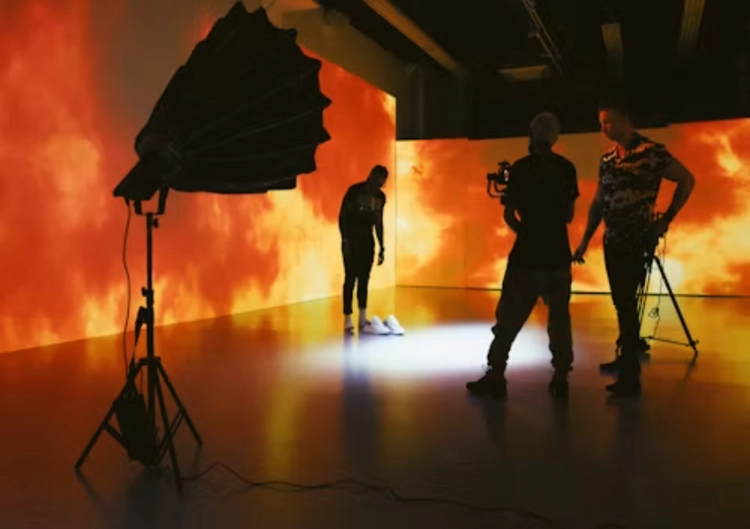
Start with a clean wall after calibration. Display a neutral grey, a black-to-white gradient, a skin-tone scene, a fine-line test, a high-frequency texture, and the planned backgrounds. Capture a wide shot, a medium shot, and the closest intended frame. Change focus, angle, shutter, and brightness one variable at a time.
Next, test motion. Pan across the wall, move the camera toward it, and track a subject across a curve. Look for a pattern that travels, changes scale, or appears only during movement. Review the footage frame by frame and at the final delivery size. A studio should also test the wall after a power cycle and after calibration data is loaded, because a replacement module or receiving card can affect uniformity.
ที่ จอแสดงผล LED แบบคงที่ can suit a permanent studio wall where alignment and service planning are central. A folding P1.86 display may be relevant for a smaller or changeable setup, but its camera result still needs a shot-specific check. The link is a product reference, not a substitute for an acceptance sample.
Specify the camera bodies, lenses, sensor modes, frame rates, shutter range, closest distance, camera angle, target brightness, content resolution, processor, timing system, refresh rate, scan mode, grayscale, colour calibration, flatness, curve radius, and maintenance method. Add a list of test scenes and the pass criteria for moire, flicker, scan lines, colour shift, seams, and dead pixels.
If the display will be part of an LED volume, include the floor, corner, ceiling, and tracking relationship in the test. A wall can pass as a flat panel and fail once it is wrapped around a stage. The test should represent the finished geometry and the final camera path.
The best result usually comes from several small decisions made together: a suitable pitch, restrained content detail, stable calibration, a camera-friendly timing configuration, appropriate focus, and a repeatable on-set test. Treating any one of them as a complete solution is how an avoidable LED volume problem reaches the shoot day. แอลจังหวัด provides a starting point for a wider product discussion.
คำถามที่พบบ่อย
Q1: Is LED wall moire caused only by a pixel pitch that is too large?
A1: No. Pitch is important, but lens distance, focus, angle, content detail, shutter, sensor sampling, brightness, calibration, and wall geometry also affect the pattern.
Q2: Can a higher refresh rate remove LED screen camera moire?
A2: Higher refresh can help with temporal artefacts, but moire is mainly a spatial sampling interaction. Test refresh, scan mode, pitch, camera settings, and content together.
Q3: How can a studio reduce virtual production moire before a shoot?
A3: Use the intended wall geometry and camera package, test at working brightness, review demanding textures, adjust content detail, record settings, and repeat the test after calibration.