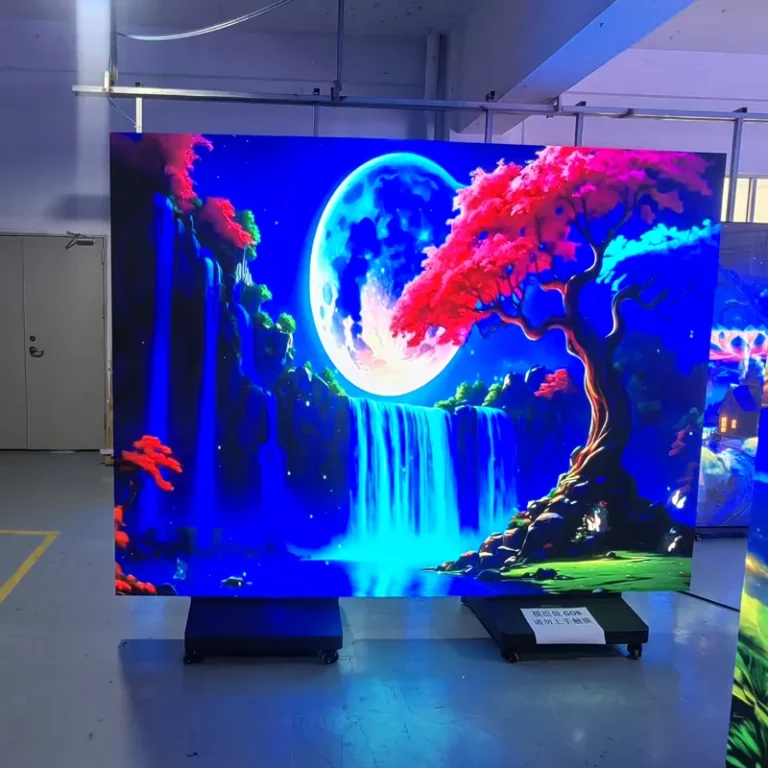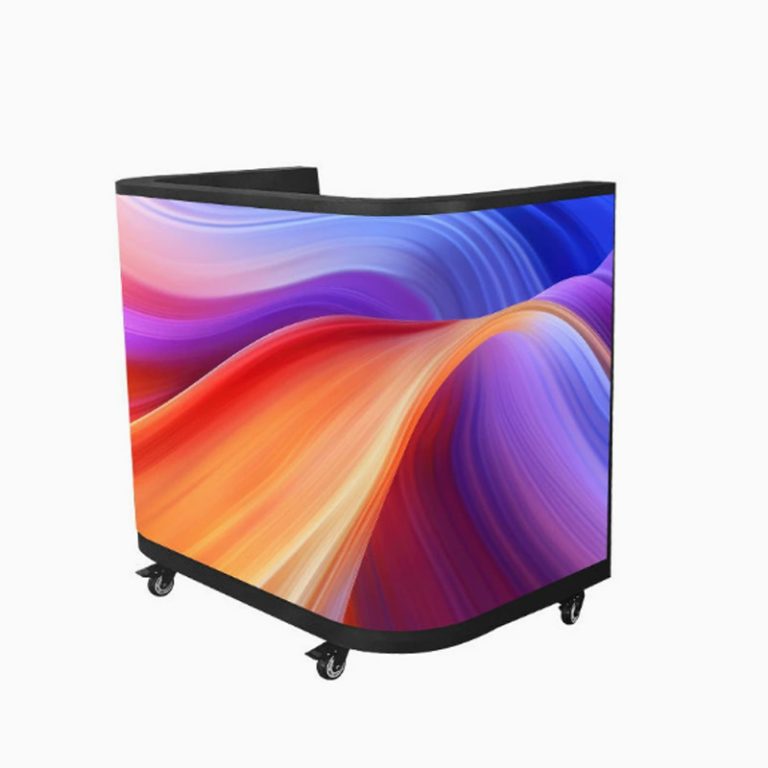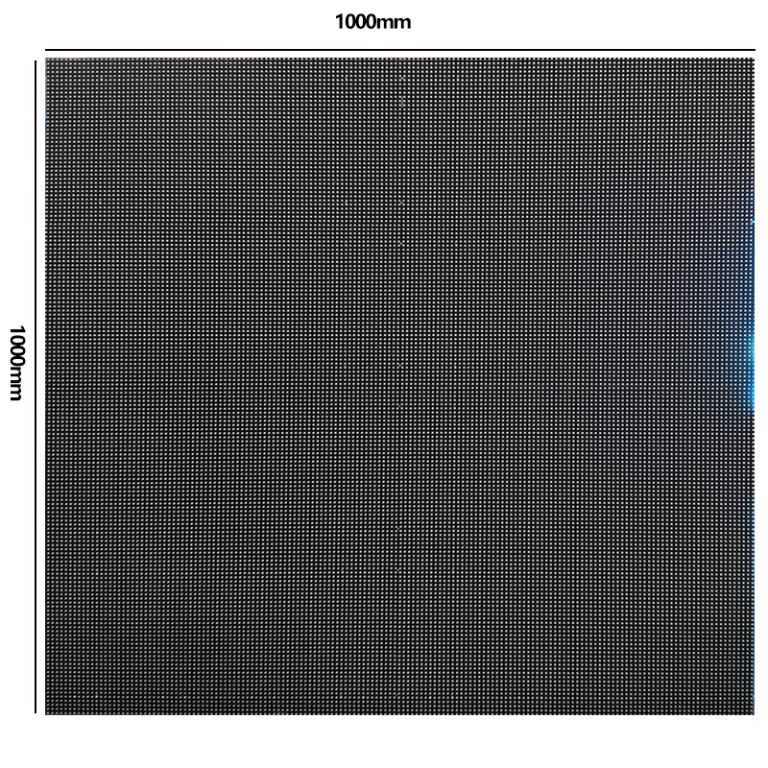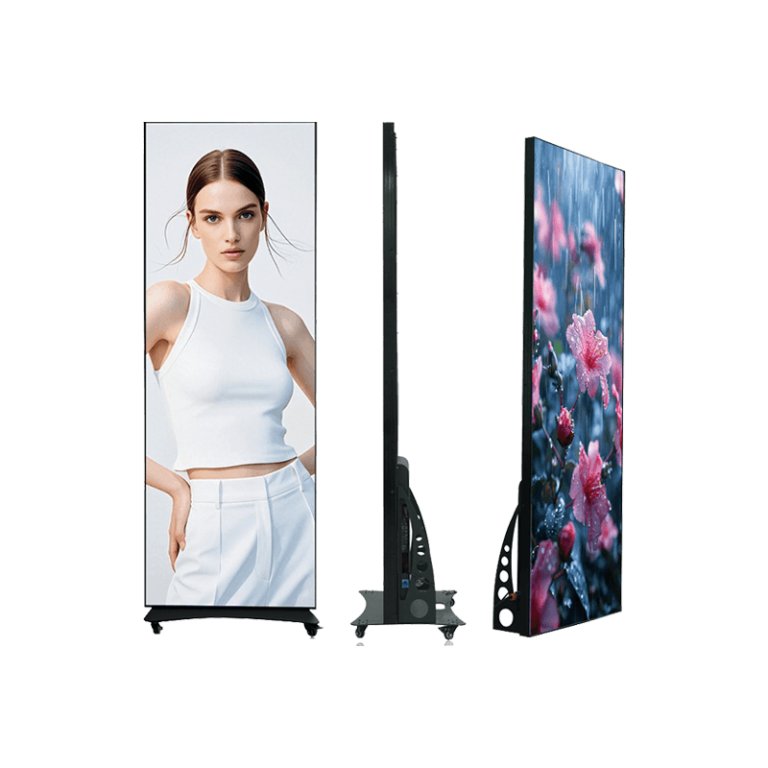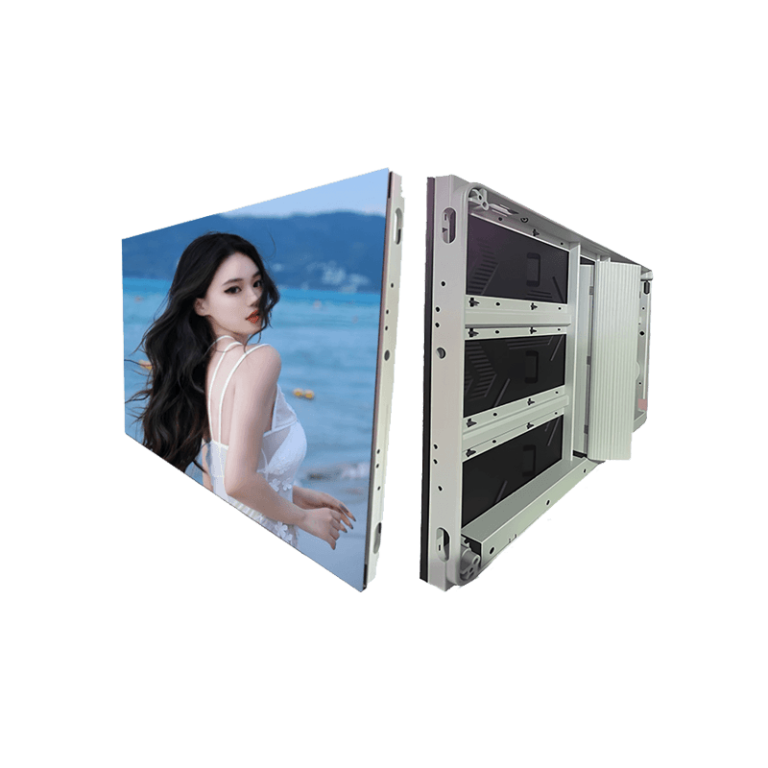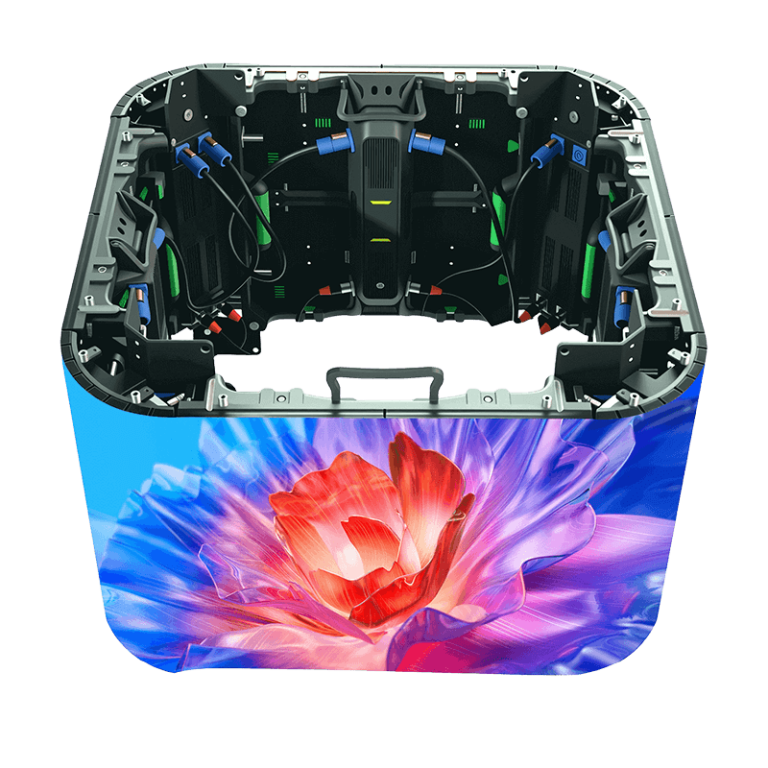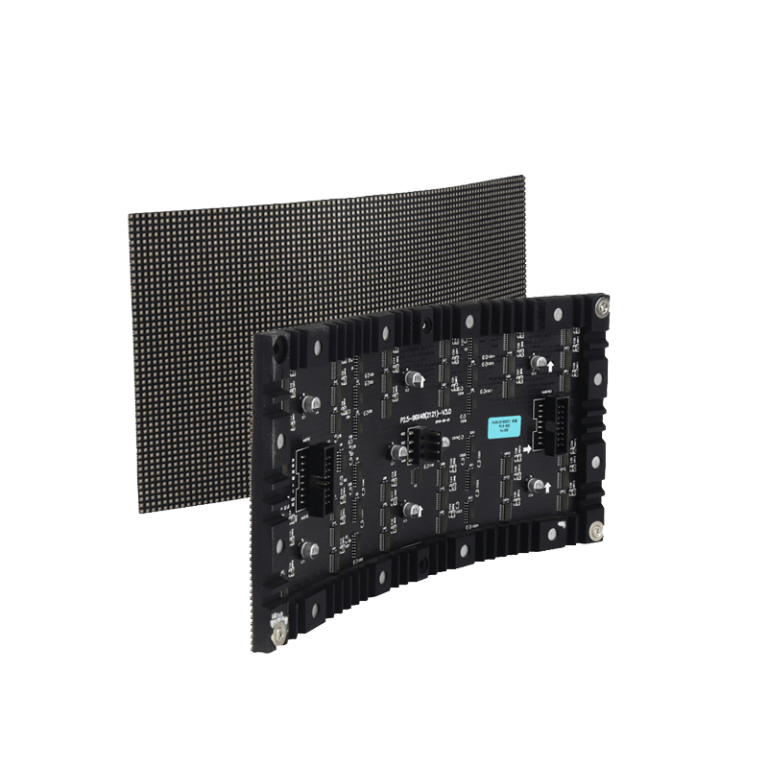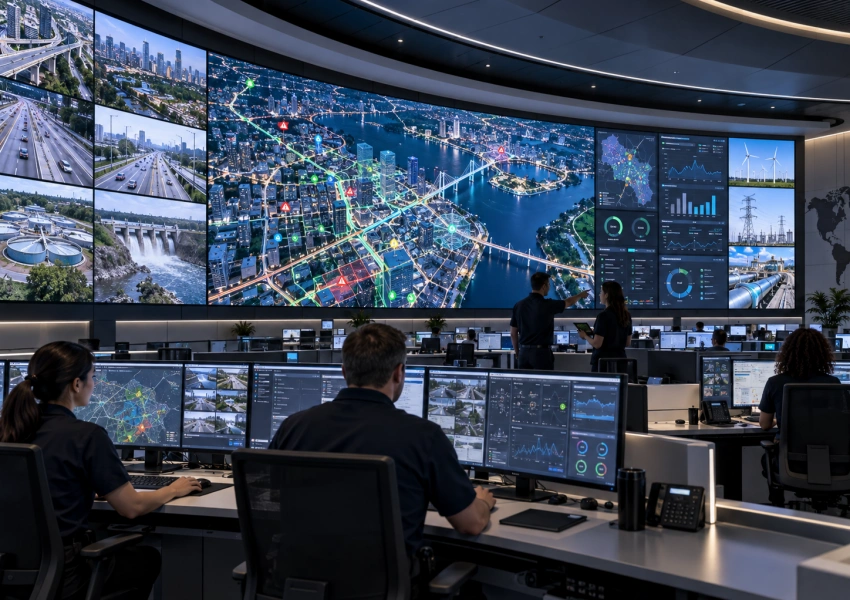
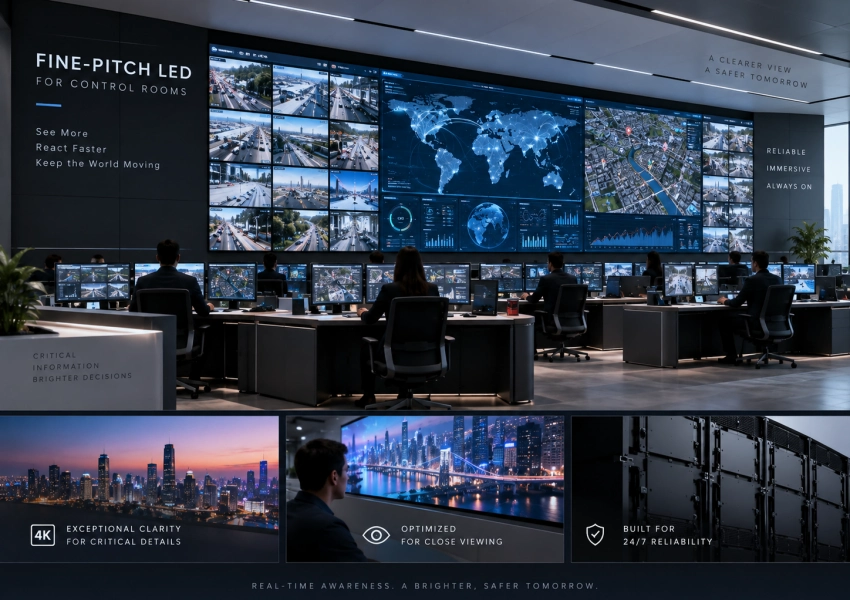
A control room LED display can deliver a continuous, seamless information surface, but resolution alone does not decide whether operators can work comfortably through long shifts. Brightness, viewing distance, text scale, refresh behavior, color temperature, ambient light, screen layout, and the type of content on the wall all matter.
Eye fatigue is not a single display specification. It is a system condition that should be checked with the actual operators, content, room lighting, and duty cycle before a 24/7 LED wall is accepted.
Choose Pixel Pitch From the Workstation Distance
Fine pitch helps when operators need to read dense dashboards, alarms, maps, labels, or small status text from a defined distance. It does not make poorly sized content comfortable. Start by mapping the nearest, normal, and farthest workstations, then record which information must be read directly from the wall and which is handled on local monitors.
A P1.5625 or P1.933 indoor reference can provide a denser canvas than a wider-pitch wall, but the right choice depends on wall size, content resolution, scaling, and the distance at which operators actually inspect it. Model-specific indoor brightness around 600 cd/m² and 7680 Hz refresh for some fine-pitch families. These are product references, not universal control-room requirements.
Separate Detail From Comfortable Scale
If text is too small, operators may lean forward or keep refocusing. If the wall is unnecessarily dense, the project may spend more on pixels without improving the working view. Set a minimum text height and test alarms, trend lines, map labels, and video feeds at each workstation position.
Set Brightness for the Room, Not the Brochure
Indoor LED displays are often specified by a maximum brightness figure, yet a control room usually operates below that maximum. Excessive luminance against a dark room can make the wall feel harsh. A wall that is too dim can make operators strain to separate symbols, grey text, or low-contrast video.
Measure the room during day and night conditions. Include window light, task lighting, console screens, wall reflections, and emergency lighting. Then set a controlled operating range with named presets for normal, low-light, incident, maintenance, and presentation modes. Any automatic brightness sensor should be positioned and tested so that a local light change does not create an unwanted jump across the wall.
O instalação fixa interna path can support a permanent command-center discussion, while an interior LED display family can frame the product comparison. The quoted luminance, grayscale, refresh, calibration, and operating range still need confirmation for the exact wall.
Check Refresh, Scan, and Camera Conditions
Refresh rate matters when the wall is viewed through cameras, recorded for incident review, or used with fast-moving data. It also interacts with driving method, scan mode, shutter settings, signal timing, and content. A high number on a specification sheet does not prove that every camera angle or operating mode will look clean.
Fine-pitch references at 3840 Hz and 7680 Hz, with synchronous control and frame rates of at least 50/60 in applicable product families. Treat those values as configuration points to verify. Test the actual receiving cards, processor, source resolution, scan mode, brightness preset, and camera settings if the control room is recorded or broadcast.
For normal operator viewing, inspect black fields, grey ramps, small moving lines, flashing alarms, and rapid scene changes. Look for visible scan lines, unstable dark detail, color shifts, and changes between display modes. Record the accepted settings instead of relying on a factory default.
Use Color and Display Modes With Discipline
Color temperature and picture mode affect comfort and interpretation. A very cool white point can make a dark room feel sharper, while a warmer setting may suit long monitoring periods. The correct choice depends on the information system, ambient light, color coding, and operator preference. It should not change unexpectedly between shifts.
Keep separate modes for monitoring, video review, engineering, and maintenance. Lock settings that operators should not change accidentally, but provide an approved adjustment path for authorized staff. Test red, amber, green, blue, grey, and near-black elements because color coding is part of the operational meaning of many control room interfaces.
O padrão LED display page can be a useful route for comparing cabinet families, while the display solution range can support a broader room and control-system conversation. Neither link replaces an on-site visual trial with the actual control software.
Design the Wall for 24/7 Operation
Long operating hours make serviceability and redundancy part of visual comfort. A failed module, unstable power section, or calibration mismatch can force operators to stare at a bright fault area or work around an unreadable zone. Specify power distribution, signal paths, receiving-card access, spare modules, calibration files, and replacement matching.
Check front or rear maintenance against the console layout. A rear-service wall may need a clear corridor, while front service may reduce room depth but require safe working space at the face. The structure must support the wall without blocking ventilation, cable routes, fire systems, or operator sightlines.
Run a representative shift trial. Use the real wall content, normal brightness, night lighting, alarm states, map movement, and video feeds. Ask operators to report glare, refocusing, headache, flicker perception, color confusion, and difficulty reading low-contrast elements. These observations are project evidence, not a medical diagnosis, and any health concern should be handled through the organization’s occupational-health process.
Turn Comfort Into Acceptance Criteria
The RFQ should record pixel pitch, wall dimensions, workstation distances, luminance presets, color settings, refresh and scan configuration, source formats, calibration process, redundancy, service access, operating hours, and test content. Add a visual review with operators at the nearest and normal viewing positions.
Leyaled can be included in the procurement discussion after the room survey defines the wall role, content, maintenance route, and acceptance tests. A fine-pitch LED wall can be a strong control-room surface, but long-shift comfort comes from the complete operating design rather than pixel density alone.
FAQ
Q1: Does a smaller pixel pitch automatically reduce eye fatigue?
A1: No. It can improve detail at a suitable distance, but comfort also depends on text size, brightness, contrast, viewing angle, room lighting, refresh behavior, content movement, and operator workload.
Q2: Is 7680 Hz always necessary for a 24/7 control room LED wall?
A2: Not always. The need depends on camera use, content, processor and receiving-card configuration, scan mode, and the acceptance test. A 3840 Hz or 7680 Hz reference should be verified on the quoted system rather than selected in isolation.
Q3: What should a control room test before handover?
A3: Test normal and low-light brightness, color modes, grey and dark content, alarm graphics, maps, video feeds, fast movement, signal switching, redundancy, service access, calibration recovery, and operator viewing positions during a representative shift.