When a virtual production team asks for a 7680 Hz LED wall, the request is usually about more than a large number on a quotation. Refresh rate affects how the display behaves on camera, yet it works alongside scan mode, PWM drive, shutter angle, frame rate, brightness, grayscale, processor timing, and the content pipeline. A 3840 Hz screen can be a sound choice for one stage. A 7680 Hz system can be the safer margin for another.
The useful comparison is not “high versus low.” It is whether the proposed display produces clean footage across the camera package and working brightness the stage will actually use. That calls for a filmed test, not a specification-sheet contest.
What Refresh Rate Changes on a Camera
Refresh rate describes how frequently the display updates its image. A higher rate can reduce the chance of visible temporal artifacts when a camera scans the LED wall, but it does not independently remove every band, bar, flicker, or moire pattern. The driver architecture and scan arrangement determine how the pixels are addressed between refresh cycles.
Camera settings matter just as much. A 24 fps cinema shot, a 30 fps commercial, a high-frame-rate product clip, and a live broadcast may use different shutter speeds or shutter angles. The same wall can look stable at one setting and show travelling bands at another. The phrase “camera friendly” has value only when it is tied to a named configuration and a test record.
For a stage buyer, the specification should identify refresh rate, scan mode, driver IC or equivalent drive information, grayscale behaviour, brightness range, processor, input timing, and any genlock or synchronization requirement. Those details make the 7680 Hz LED wall discussion concrete.
When 3840Hz Can Be Enough
A 3840 Hz system may suit a stage with a controlled camera package, moderate movement, stable shutter settings, and a wall that is not pushed close to maximum detail or brightness. It may also be reasonable when the LED volume is used for wide shots, presenter segments, or content that has already passed a camera test.
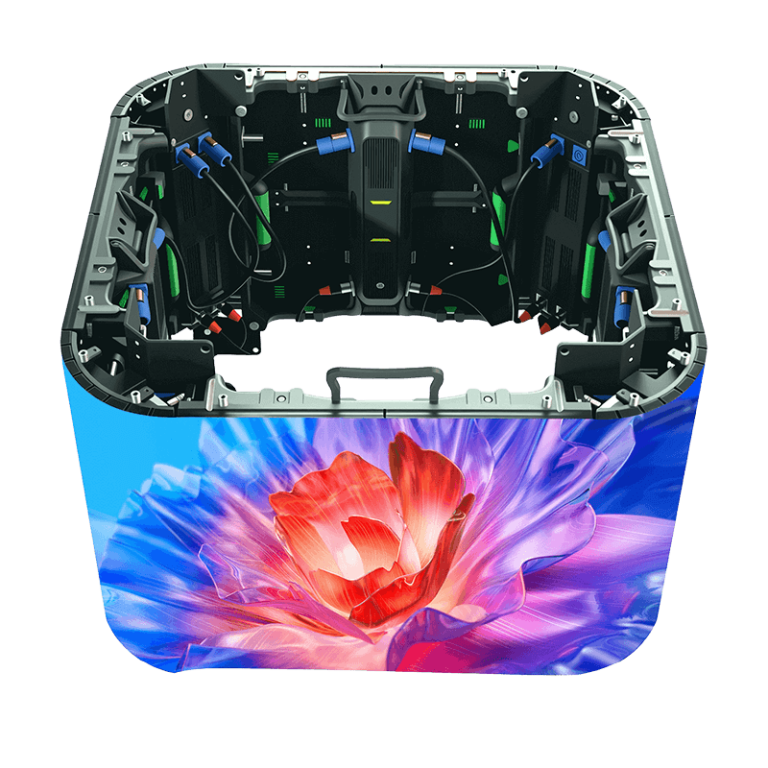
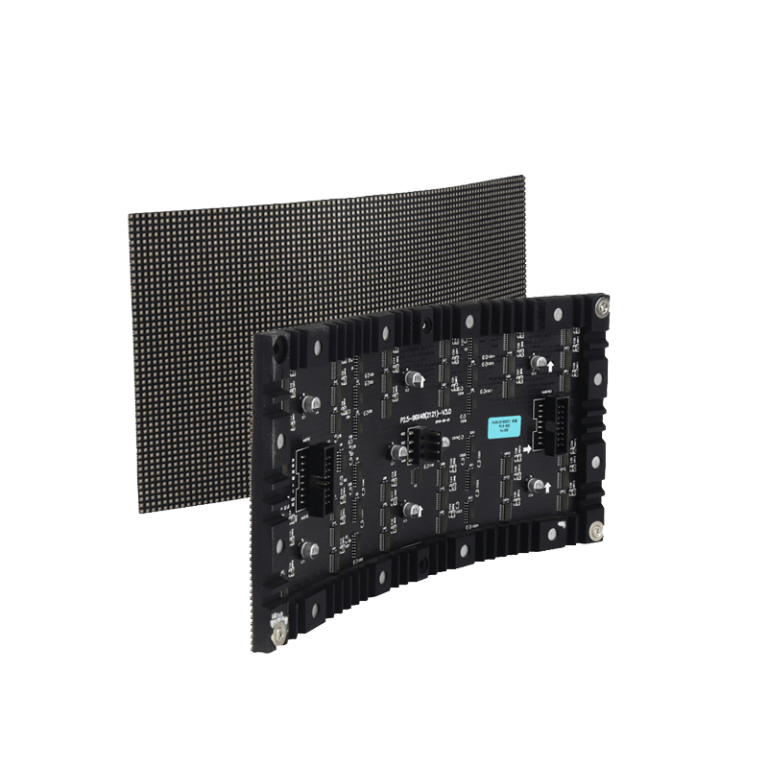
Leyaled includes indoor flexible families with 3840 Hz references and indoor cabinet families with higher refresh options. That range reflects a practical point: refresh is chosen within a product family, not in isolation from cabinet design. A 3840 Hz wall with good timing, consistent calibration, and an appropriate scan scheme can outperform a poorly integrated system that carries a larger headline number.
Test the wall at the intended working brightness. An indoor display may be dimmed for talent exposure, practical lighting, or a dark virtual scene. Low-gray gradients, skin tones, shadows, and dark set extensions often reveal instability that a full-white test hides. Record the camera settings beside each clip so the result can be repeated after calibration or cabinet replacement.
When 7680Hz Deserves the Extra Margin
A 7680 Hz configuration becomes more attractive when the wall is a primary subject, the camera moves close to the pixels, the project uses several cameras, or the production team expects a wide shutter range. It can provide more room during camera matching and reduce the risk that a change in frame rate or shutter exposes a temporal defect late in production.
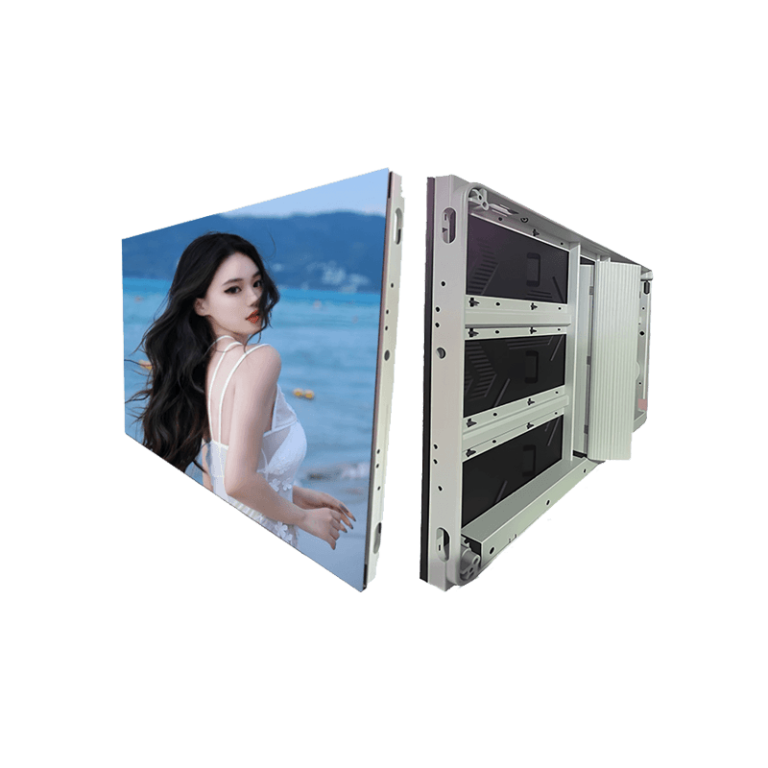
The company reference for an indoor P1.86 family lists 7680 Hz, a 600 cd/m² white-balance brightness reference, 160-degree viewing angles, synchronous control, and 50/60 fps compatibility. Those values belong to that referenced family and do not transfer automatically to every LED module or cabinet. The indoor fine-pitch display is therefore a starting point for an RFQ, not a universal stage specification.
The extra refresh margin is not a substitute for pitch, calibration, or content discipline. A fine pixel grid can still interact with a camera sensor. An incorrect scan setting can still create bars. A content wall full of repeating thin lines can still produce spatial interference. The right question is whether 7680 Hz helps the full system pass the shots that matter.
Test the Full Chain Before Ordering
Use the proposed cabinet, processor, receiving cards, signal path, camera bodies, lenses, and content server in the test. Include the nearest camera position, a wider position, a slow pan, a locked-off shot, a talent close-up, reflective props, dark gradients, saturated colour, and the final delivery frame rate.
Change one variable at a time. Compare 3840 Hz and 7680 Hz at the same shutter, then repeat at the camera settings likely to be used on set. Check for flicker, scan lines, rolling bars, colour shift, low-gray noise, unstable blacks, seams, and brightness differences across the wall. Review the captured footage at normal delivery size and at a larger inspection size. A result visible only on a monitor may not matter in the final edit, while a subtle moving band can become obvious after compression.
The test should also cover a calibrated wall rather than a fresh uncalibrated sample only. Keep a record of brightness, grayscale mode, processor mapping, camera settings, and content version. The calibration and display workflow can help frame the system discussion, but the acceptance criteria need to be written for the actual stage.
Put Refresh Into the Procurement Decision
Ask for a side-by-side demonstration when the production includes fast camera moves, high-frame-rate footage, multiple camera units, or frequent scene changes. If the stage mostly uses locked shots and controlled settings, 3840 Hz may leave budget for pixel density, spares, colour calibration, or a better service route.
If the wall will serve commercials, broadcast, virtual sets, and product work, 7680 Hz can be a sensible risk-control choice. It may reduce the number of camera compromises, but the return depends on how often the extra margin prevents a retake or a reconfiguration. No universal cost premium or payback period should be assumed without a supplier quotation and a production schedule.
Specify the minimum acceptable result rather than only the preferred number. State the camera bodies, lenses, frame rates, shutter range, working brightness, content test pack, scan information, grayscale requirement, timing system, calibration process, replacement policy, and test approval process. Then ask the supplier to quote a 3840 Hz and a 7680 Hz configuration on the same mechanical and processing basis.
The cabinet configuration reference can support a more complete RFQ when the display family, cabinet format, and processing assumptions need to be recorded alongside refresh rate. The supplier should still confirm the exact quoted model and camera result.
Leyaled can be reviewed after the stage brief is defined. The useful supplier conversation begins with the shot list and the failure that must be avoided. For one production, that may support 3840 Hz. For another, the 7680 Hz LED wall is worth the added headroom because the camera and content pipeline leave less room for compromise.
FAQ
Q1: Is 7680 Hz always better than 3840 Hz for virtual production?
A1: No. 7680 Hz can offer more margin for mixed cameras, fast movement, and wider shutter settings, but scan mode, drive design, grayscale, brightness, processor timing, and camera testing still determine the filmed result.
Q2: Can a high virtual production refresh rate remove moire?
A2: No. Refresh mainly addresses temporal behaviour. Moire is also shaped by pixel pitch, focus, lens distance, sensor sampling, and fine repeating content. Both spatial and temporal tests are required.
Q3: What should a supplier test before quoting an LED volume refresh rate?
A3: Test the proposed cabinet and processor with the intended cameras, lenses, frame rates, shutter range, working brightness, content pack, calibration state, and signal timing. Record the footage and acceptance conditions.