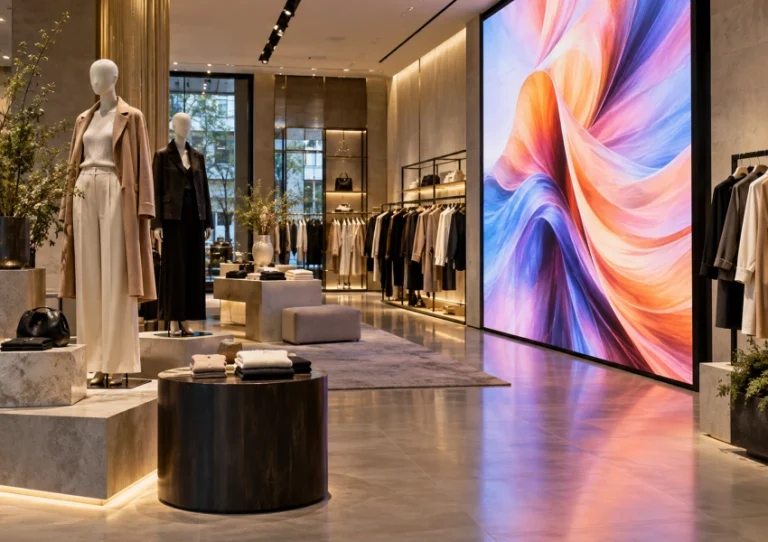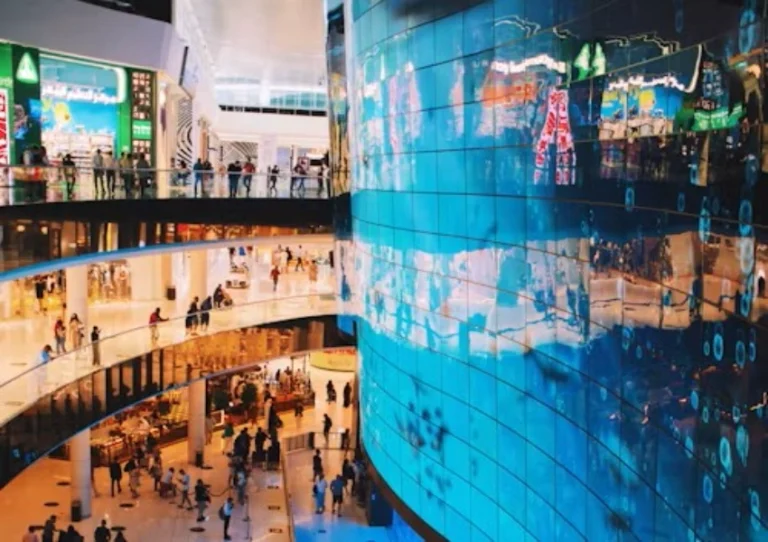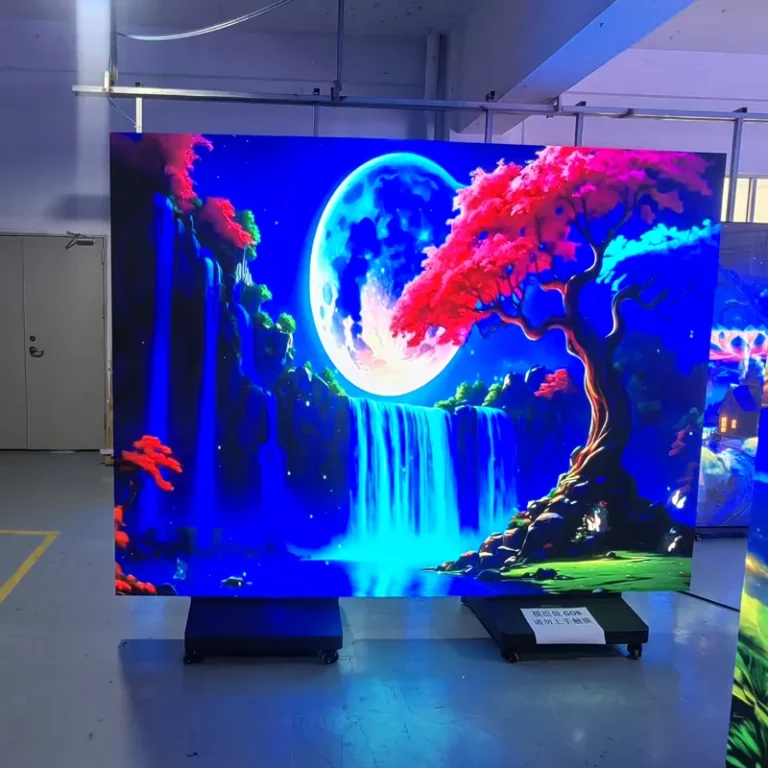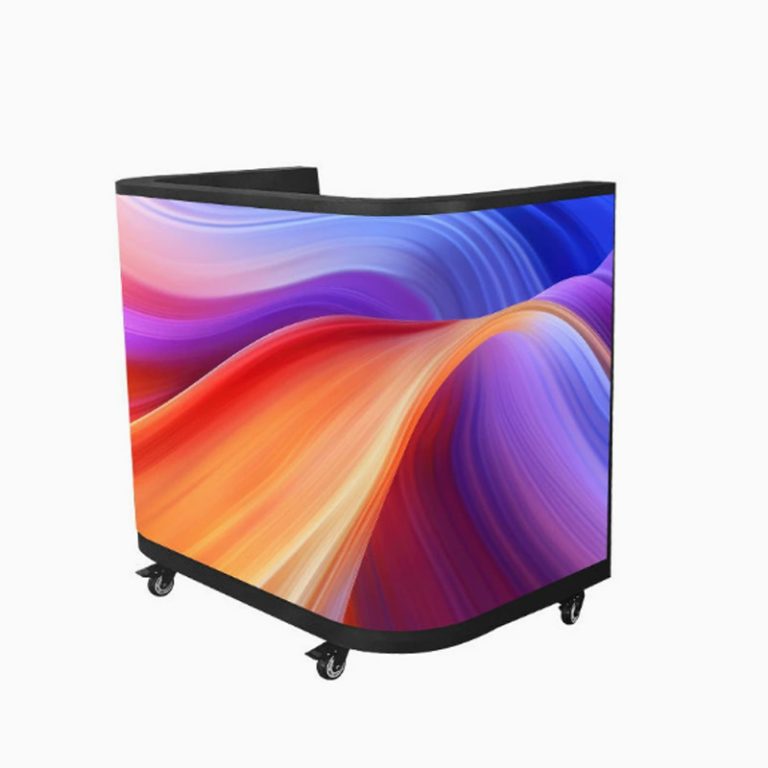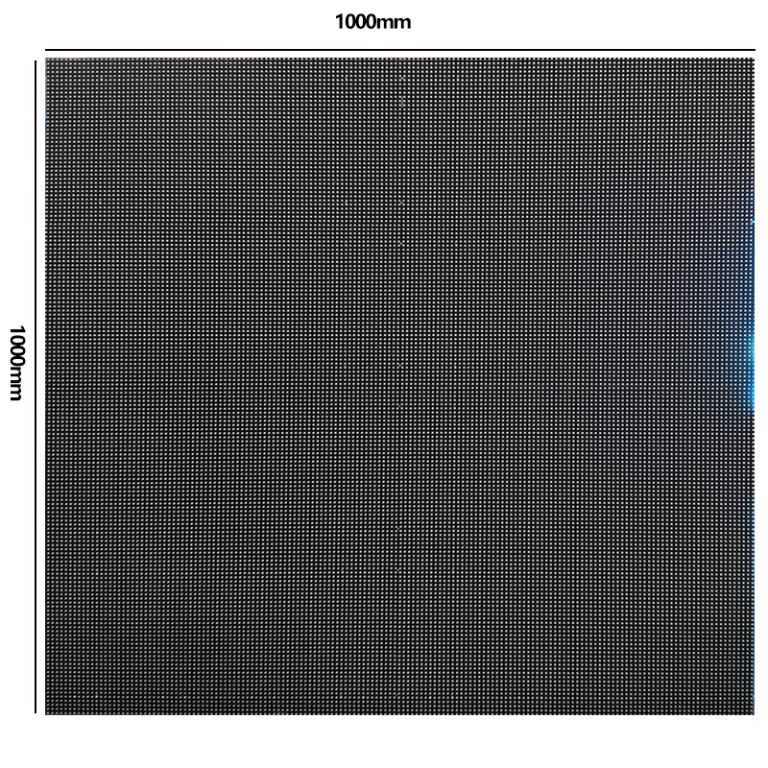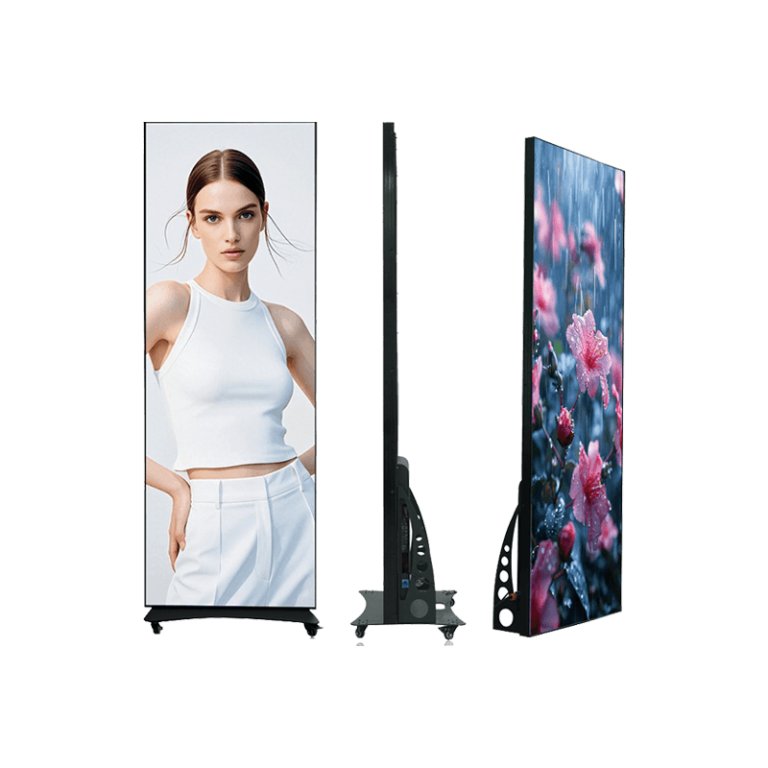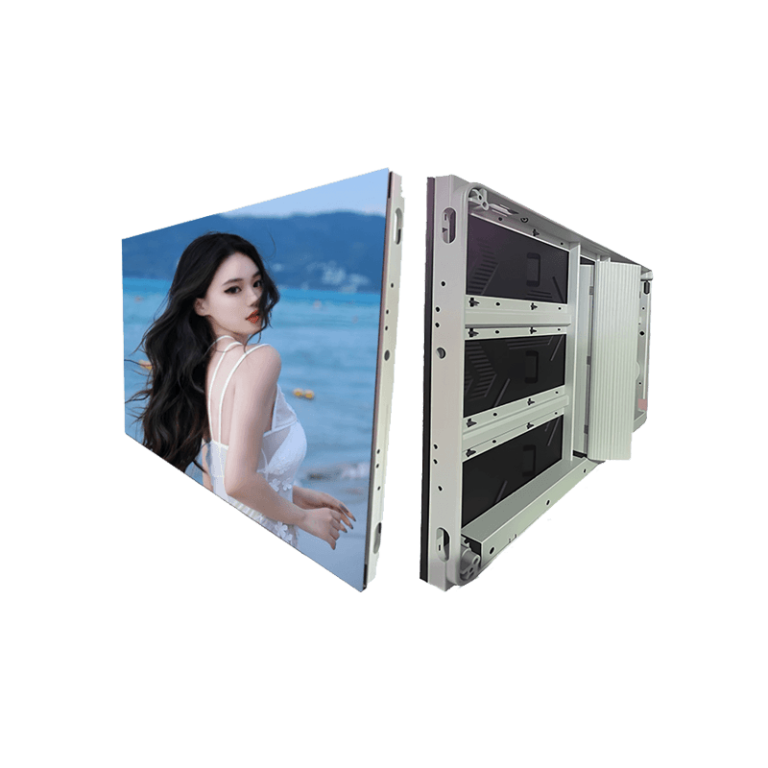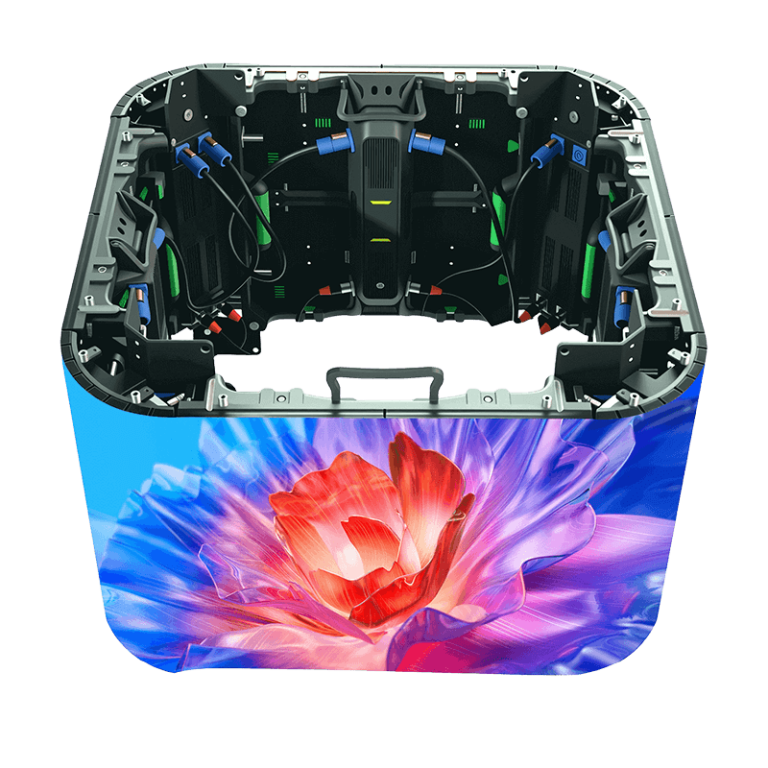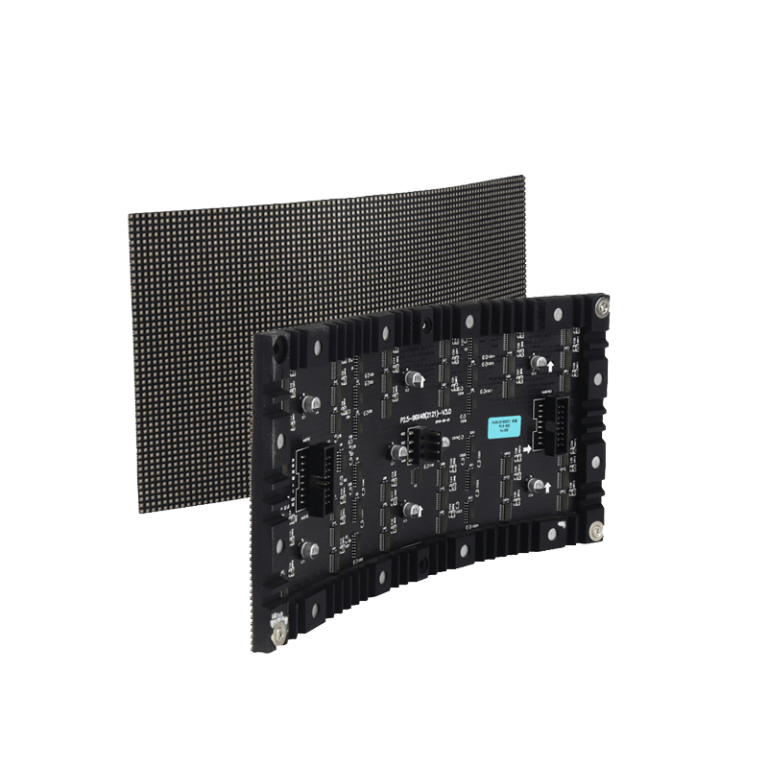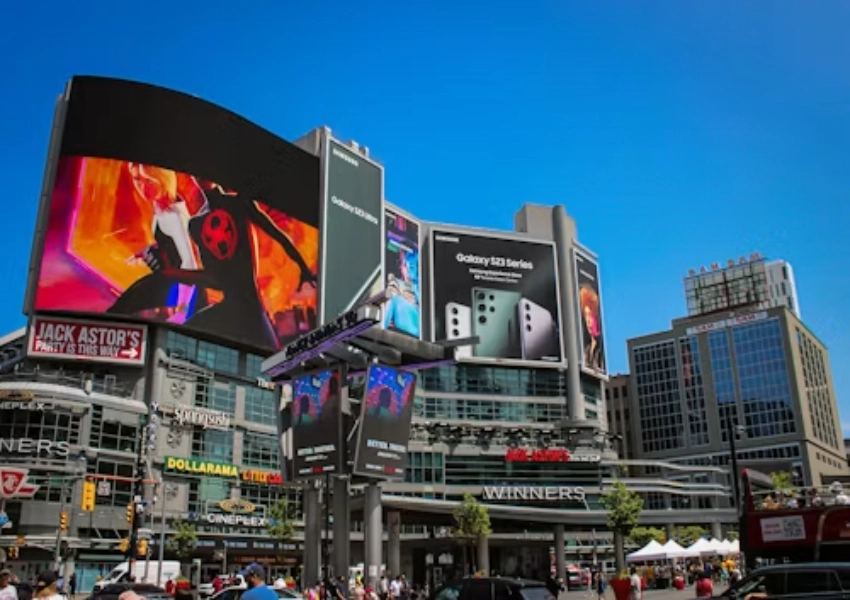
A retail LED display does not have to stop at a straight wall. Columns, rounded corners, and structural piers can become part of the visual surface, but only when the design team treats the building and the display as one system. A screen wrapped around a column may gain visibility from several walking directions. It may also create seams, distortion, difficult maintenance, and a content canvas that is hard to manage.
The first question is not how tightly the screen can bend. It is where shoppers stand, what they see as they move, and which parts of the display must remain readable. The shape should serve the sightline instead of becoming an expensive decoration.
Map the Building Before Selecting the Module
Measure column diameter or corner radius, finished height, obstructions, floor level, ceiling clearance, nearby fixtures, and the position of doors, escalators, shelving, and signs. Mark the main approach lines and the places where the viewer sees only one face or the whole wrap.
A column LED display can work as a 360-degree visual object, a partial wrap, or a front-facing screen that uses the column only as a support. These are different structures. A full wrap needs a continuous pixel map and a plan for the start and end seam. A partial wrap needs content that does not make the missing side look accidental.
Check whether the column is genuinely round. Many retail columns have cladding, trims, uneven sections, or a radius that changes above eye level. The display frame should follow the finished surface, not an early architectural drawing.
Separate Visual Curve From Structural Curve
The visible curve is only one layer. Behind it are support brackets, frame members, cable routes, power supplies, and service access. A flexible LED screen can conform to a creative shape, but the support still needs accurate fabrication and load review.
Design for Multiple Viewing Angles
A corner LED screen can be read by a shopper approaching from either side, but content may look stretched near the turn. Small type, faces, product outlines, and logos are especially sensitive. Keep critical information in the flatter, more direct viewing zone, and use the wrap for motion, color, texture, or oversized graphics.
At a column, decide whether the content should continue around the full circumference or change at a chosen seam. A single portrait may become awkward when divided across front and side faces. A slow colour field or abstract product motion may tolerate the geometry better.
Use a measured pixel map and a preview with visible module boundaries. Test circles, horizontal lines, vertical lines, diagonals, text, and a moving gradient. If a circle becomes uneven, the issue may be module orientation, controller mapping, frame geometry, or content scaling rather than the creative file alone.
Match Flexible Hardware to the Radius
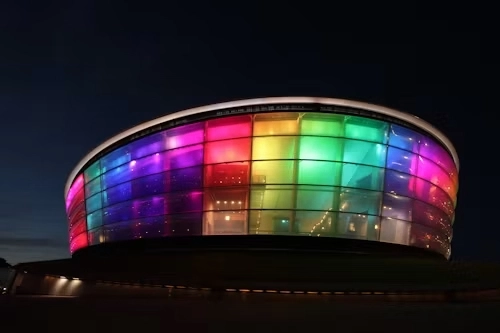
A flexible display is useful when the project requires a curved or ring-shaped surface, but the chosen family must match the intended radius, indoor or outdoor condition, brightness, and service method. Do not infer a minimum radius from the word flexible. Ask for the model-specific bending direction, approved radius, module orientation, fixing method, and test sample.
Leyaled includes pillar-clad and ring-shaped LED applications, as well as flexible displays for curved and spatial installations. The outdoor flexible display category can support a discussion of weather-exposed forms, while a special LED display may be relevant when the shape or integration is unusual. Those categories do not replace a structural drawing or radius confirmation.
Magnetic or modular maintenance can shorten replacement work in some configurations, but access depends on the frame and surrounding shopfitting. A module that is easy to remove on a workbench may be difficult to reach after shelves, signage, or glass are installed.
Protect Content and Controller Mapping
Content mapping should follow the physical pixel order. Record the top, bottom, left, right, seam, module rotation, data direction, active area, and processor output. For a cylindrical display, decide which column is the content origin and whether the seam is hidden, repeated, or treated as a transition.
The controller configuration should be versioned with the shop drawing. A replacement module, changed data cable, or remapped receiving card can move a section of content without changing the source video. Keep a test file with a grid, numbered columns, center line, circles, and colour blocks. It gives the service team a faster way to identify a mapping fault.
For a creative retail project, smart display solutions can frame the relationship between screen placement, content operation, and store use. The final content system still needs a compatible processor, player, network plan, local recovery method, and a person responsible for approving updates.
Keep Maintenance Inside the Design
Service access should be marked before the screen is ordered. Can technicians work from the front, rear, top, or an access corridor? Does opening a module require moving shelves or closing a store area? Are power supplies and receiving cards grouped in a reachable location?
The curved surface should be tested at full brightness and the intended operating level. Check seams, curve transitions, colour uniformity, black areas, text, and content from the main walking paths. A display can look uniform from the center and show a visible break when the viewer turns around the column.
Leyaled can join the RFQ after the drawing includes column geometry, viewer routes, pixel map, structure, service direction, power, and content examples. The request should separate display supply from site fabrication, shopfitting, electrical work, commissioning, and ongoing maintenance.
A good column or corner display makes the architecture easier to read. It does not merely cover a difficult surface with pixels. Design the sightline first, choose the curve second, map the content third, and approve the complete installed result through a sample or mock-up.
FAQ
Q1: Is a flexible LED screen required for every column installation?
A1: No. A flat or segmented display may work on a square pier or broad corner. Flexible hardware is more relevant when the finished surface needs a continuous curve or cylindrical wrap.
Q2: What causes distortion on a corner LED screen?
A2: Radius changes, module direction, seam placement, incorrect pixel mapping, controller scaling, and content positioned too close to the curve can all contribute. The installed geometry and test pattern should be checked together.
Q3: What should a retailer include in the RFQ?
A3: Include column or corner drawings, radius, height, viewing routes, indoor or outdoor conditions, content examples, pixel map, mounting method, service direction, power, controller, commissioning, and structural responsibilities.