LED screen pixel pitch sounds like a small technical detail until the display is switched on. Then it becomes obvious. A screen that looks crisp in a brochure can show visible dots when people stand too close. A screen with a very small pitch can look beautiful, but it may use more budget than the space can justify. Pixel pitch is where image quality, viewing distance, and cost meet.
Choosing the best pixel pitch for LED screen projects starts with one practical question: where will people actually stand, sit, walk, or shoot video? A retail window, conference room, control wall, stage backdrop, hotel lobby, and outdoor sign all ask for different answers. A useful pixel pitch calculator can guide the first estimate, but real buying decisions also need content type, brightness, cabinet design, maintenance access, and installation environment.
What Pixel Pitch Means in Real Viewing Conditions
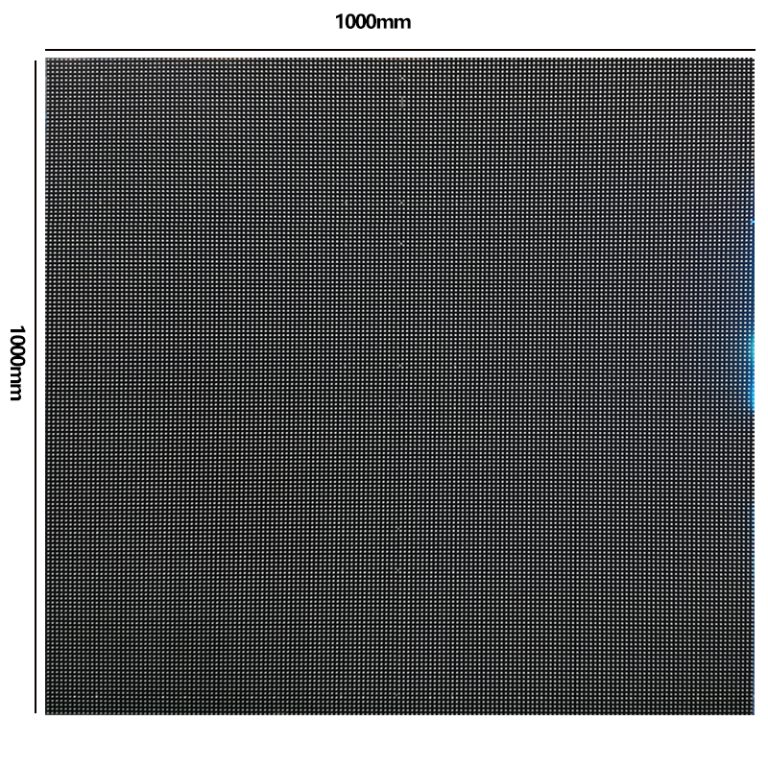
Pixel pitch is measured in millimeters. It is the center-to-center distance between two neighboring LED pixels. P1.86 means a 1.86mm pitch. P2.5 means 2.5mm. P3.91 means 3.91mm. A smaller number means more pixels per square meter and higher LED display resolution at the same screen size.
Higher resolution helps close viewing, fine text, product detail, interface graphics, and camera work. Larger pitch can still look excellent when the audience stands farther away, or the content uses big images, video, logos, and motion graphics. The mistake is treating a smaller pitch as automatically better. It is better only when the viewing distance and content can reveal the difference.
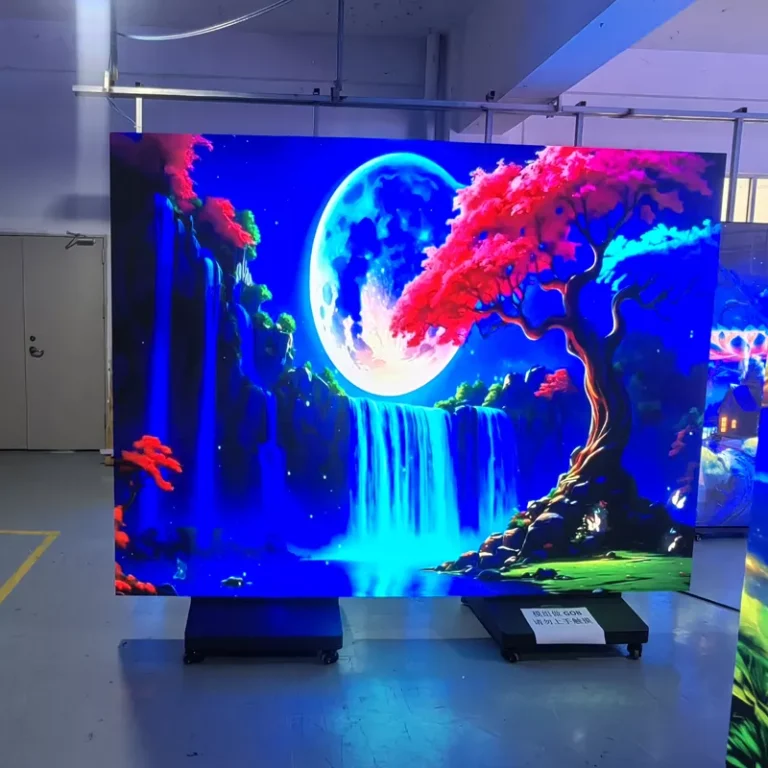
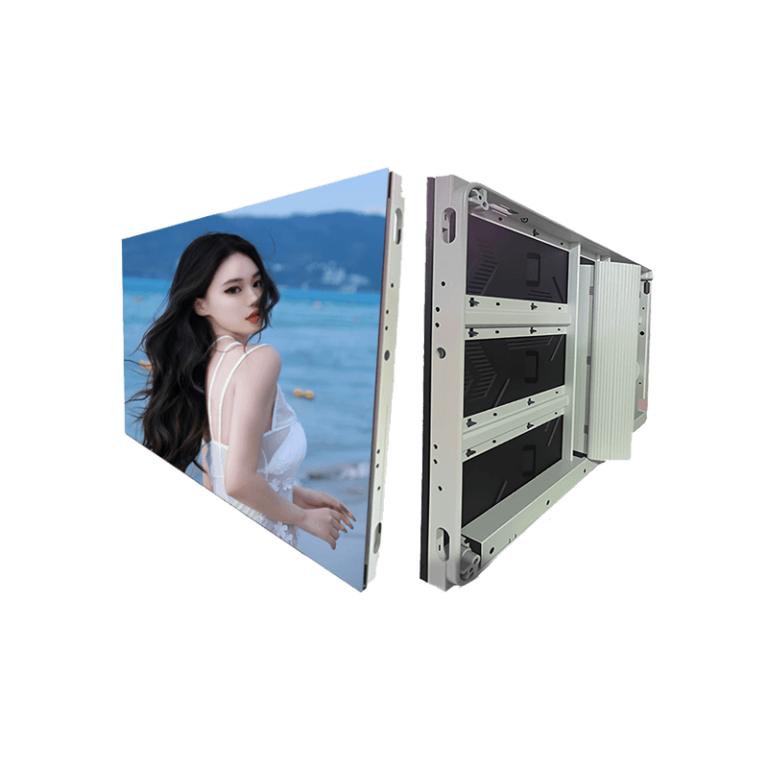
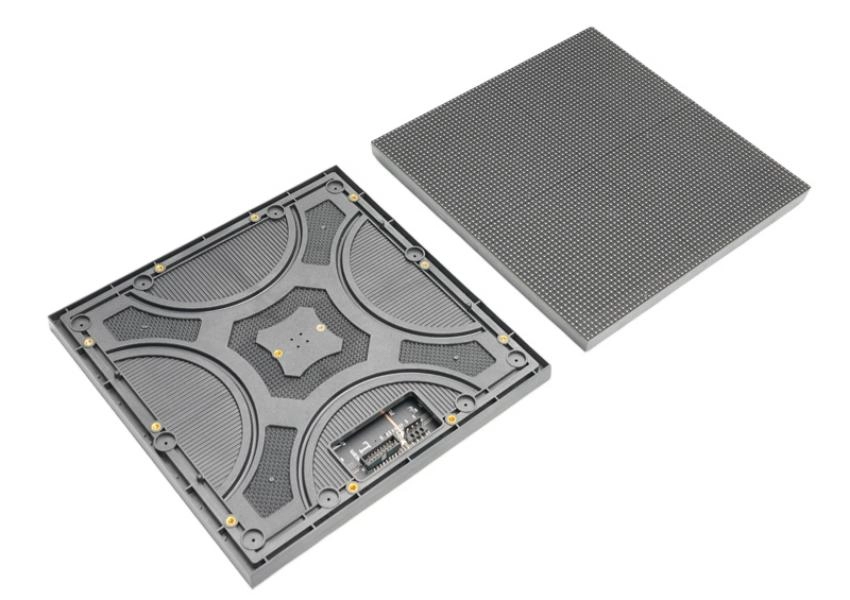
Leyaled’s P1.86 three-fold LED screen shows the high-density side of the choice. It uses 288,906 dots per square meter, 500-800 cd/sqm indoor brightness, a refresh rate of at least 3840Hz, 16-bit grayscale, and front maintenance. By contrast, the indoor display P3.91 product uses a larger 3.91mm pitch with 65,536 pixels per square meter, making it more suited to larger indoor spaces and farther viewing.
A Simple Pixel Pitch Calculator for First Estimates
A common quick formula is: minimum viewing distance in meters is roughly pixel pitch in millimeters multiplied by about 2 to 2.5. In practical terms, P2.5 often begins to look comfortable from around 5-6 meters by the stricter version of that rule, while many indoor projects can use it effectively from about 3-8 meters depending on content and viewer expectation. For a 4-6m viewing distance and a 7-8 sqm screen, P3 or P2.5 can provide clear detail. For 8-10m or farther, P4 or P5 may reduce cost without hurting the audience experience.
This formula is a starting point, not a final answer. A lobby wall that shows large brand videos can tolerate more pitch than a control room showing small data. A livestream set needs closer camera checks than a trade show backdrop. A shop window may need brightness and contrast more than the smallest possible pitch.
Match LED Viewing Distance to Content Type
LED viewing distance should be checked against what the screen must show. Large motion graphics, scenery, sports footage, and brand films are forgiving. Small text, QR codes, maps, price tags, financial dashboards, production data, and product UI screens need tighter pitch. If the content is a mix, buyers should test the hardest content first. A display that can handle a dense slide deck will usually handle brand video. The reverse is not always true.
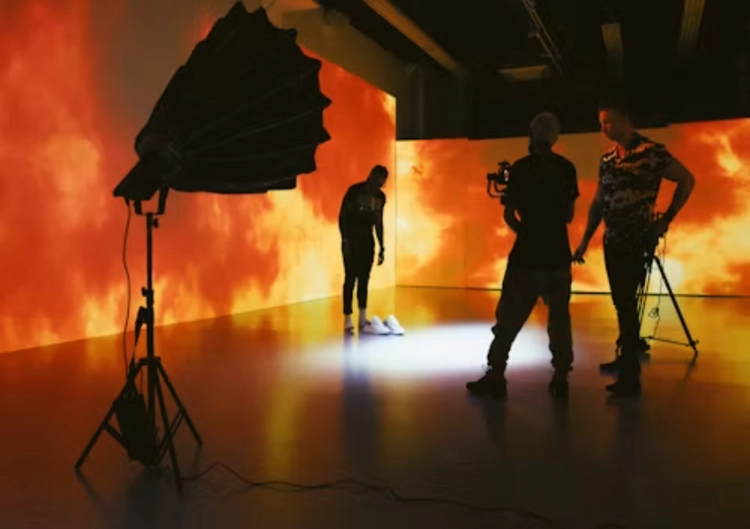
Camera distance adds another layer. Screens used in meeting rooms, studios, live streaming rooms, and virtual presentation sets should be tested through the actual camera. Moire, scan lines, brightness steps, and pixel structure can appear differently on camera than to the eye. High refresh rate, good grayscale, and careful brightness control are just as important as pitch.
Leyaled highlights stable video playback, modular maintenance, high brightness, low operating voltage, long lifespan, and strong performance as core LED display advantages. These traits support pixel pitch decisions because resolution alone cannot fix a screen that flickers, overheats, or is hard to maintain.
Indoor and Outdoor Pitch Choices Are Not the Same
Indoor displays usually sit closer to viewers and operate under controlled light. Fine pitch options like P1.86, P2, and P2.5 can make sense for boardrooms, showrooms, studios, high-end retail, education spaces, and control environments. Brightness does not need to be extreme, but smooth grayscale and comfortable viewing matter.
Outdoor projects are different. The viewing distance is often longer, the screen may be much larger, and brightness plus weather protection become more important. Outdoor LED displays use IP65 or higher waterproof and dustproof protection, high brightness commonly around 5000-8000 nits or more, heat dissipation, structural strength, and reliable power routes. In that setting, paying for very small pixel pitch may not make sense if the audience views the screen from across a square or road.
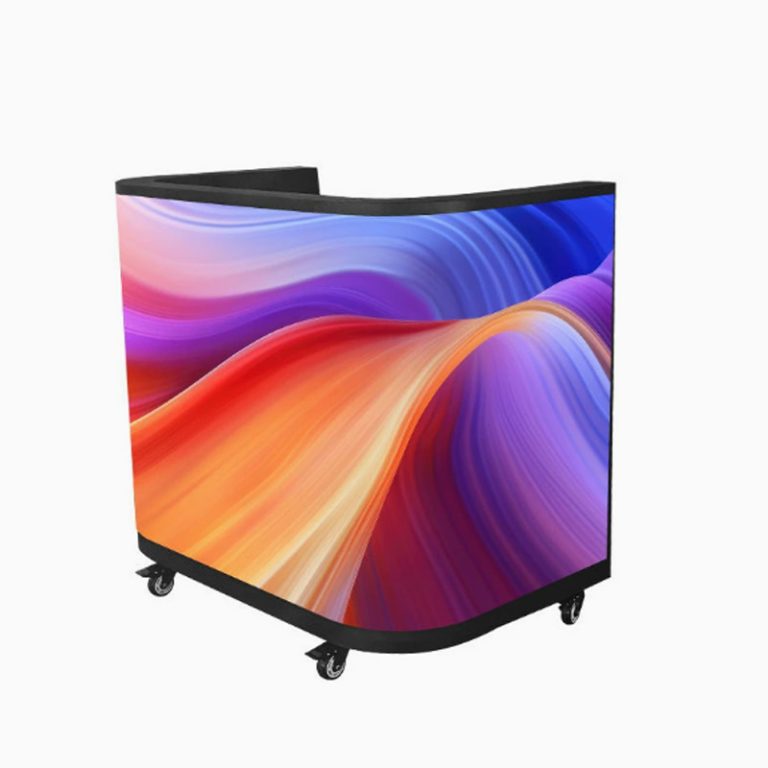
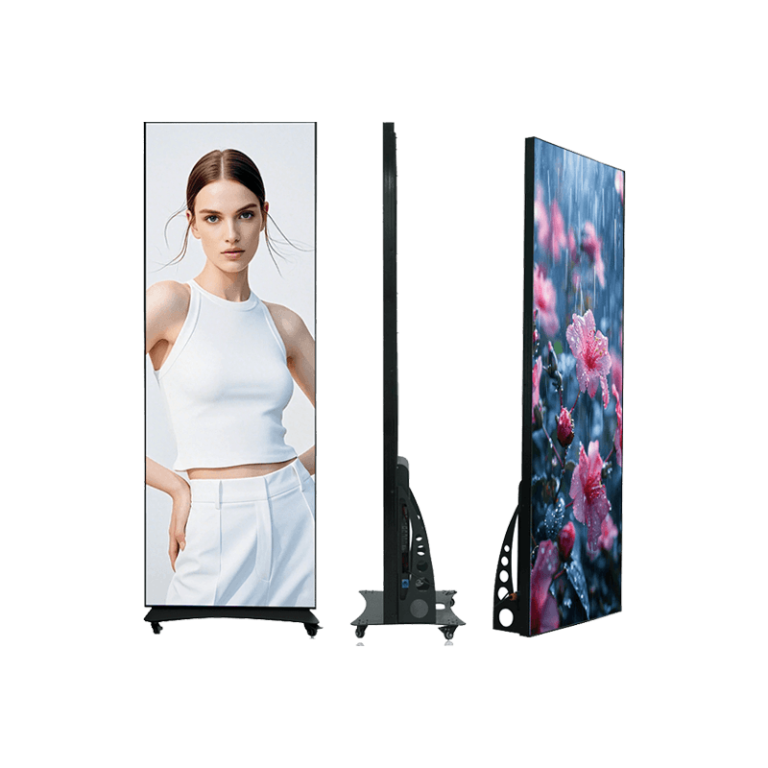
The LED display gives buyers a range of indoor, outdoor, fixed, flexible, and special display options. That spread matters because the best pixel pitch for LED screen work changes with the site, not just the buyer’s preference.
Cost, Maintenance, and Service Checks Before Final Selection
A smaller pitch raises cost because it uses more LEDs, denser modules, stricter production tolerance, and often more careful calibration. It can also increase repair sensitivity because more pixels sit inside every square meter. That does not mean small pitch is risky. It means the buyer should check the supplier’s production process, testing, spare module plan, and service access.
Leyaled was founded in 2012, with a 7,000 sqm facility, automated production lines, technical staff, CE and RoHS certifications, and 72-hour extreme testing before shipment. The testing includes high and low temperature cycling and brightness decay checks. For a buyer comparing pitch options, those controls reduce uncertainty. They also matter after installation, when color matching, calibration, cleaning, and module replacement can affect the screen’s long-term look.
A smart pitch choice should answer these questions before a deposit is paid: What is the nearest viewing point? What is the farthest useful viewing point? Will cameras film the screen? What content has the smallest text? What brightness is needed? Is front maintenance required? How many spare modules should be kept? Who handles calibration after installation?
A Practical Selection Path for Buyers
Start by mapping the room or site. Mark near, normal, and far viewing positions. Then match candidate pitches to real content. For close indoor detail, consider P1.86 or similar fine pitch. For general indoor viewing around several meters, P2.5 or P3 may be enough. For larger indoor or stage spaces, P3.91 can be a balanced option. For outdoor signs with long viewing distance, larger pitch can often control cost while keeping the message clear.
The final step is a sample check. View the same content at the planned distance, then film it if the project involves cameras. Compare not only sharpness, but also brightness comfort, color, motion, seam visibility, cabinet access, and service plan. Buyers can start with Leyaled and then contact the team for a configuration that fits distance, content, and budget.
FAQ
Q1: What is the simplest way to estimate LED screen pixel pitch?
A1: Use viewing distance as the first guide. A common estimate is the minimum distance in meters near pixel pitch in millimeters multiplied by about 2 to 2.5, then adjust for content detail.
Q2: Does higher LED display resolution always mean better value?
A2: No. Higher resolution helps close viewing and detailed content, but larger pitch may be better for farther viewing, large screens, and outdoor projects.
Q3: What is the best pixel pitch for LED screen projects with cameras?
A3: Choose based on camera distance, lens, refresh rate, grayscale, brightness control, and content detail. A live camera test is safer than judging by pitch alone.