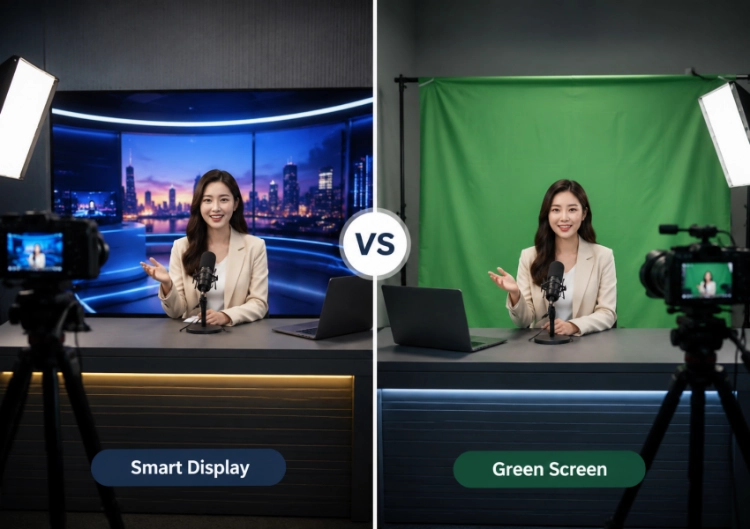
Live streaming puts pressure on background changes that a recorded shoot can hide in post. A host may move from an opening slate to a product demo, a guest window, a sponsor message, and a breaking update within minutes. In that setting, smart display vs green screen is less about a generic virtual-studio debate and more about who owns the change, how quickly it can be approved, and what the camera sees while it happens.
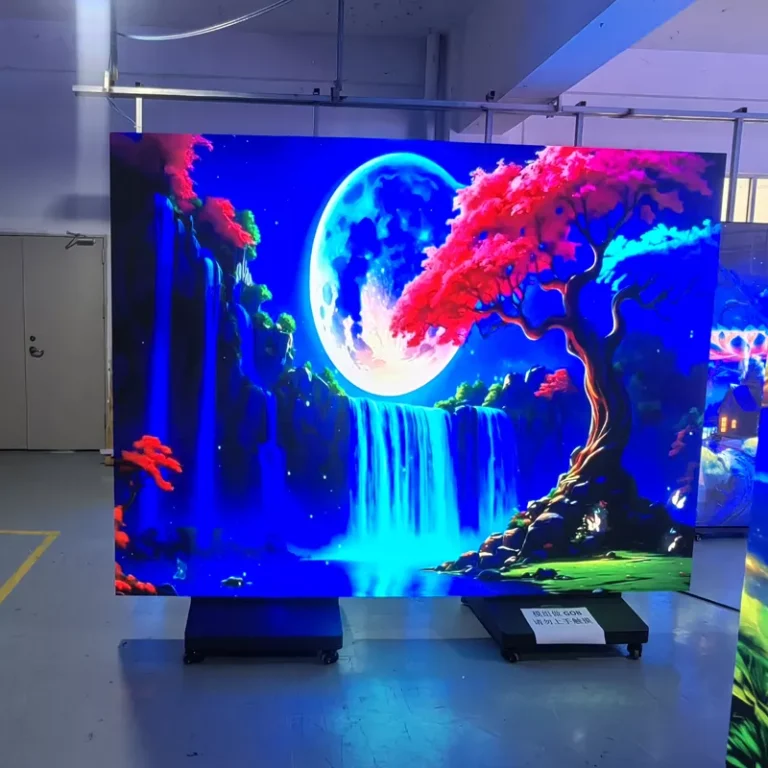
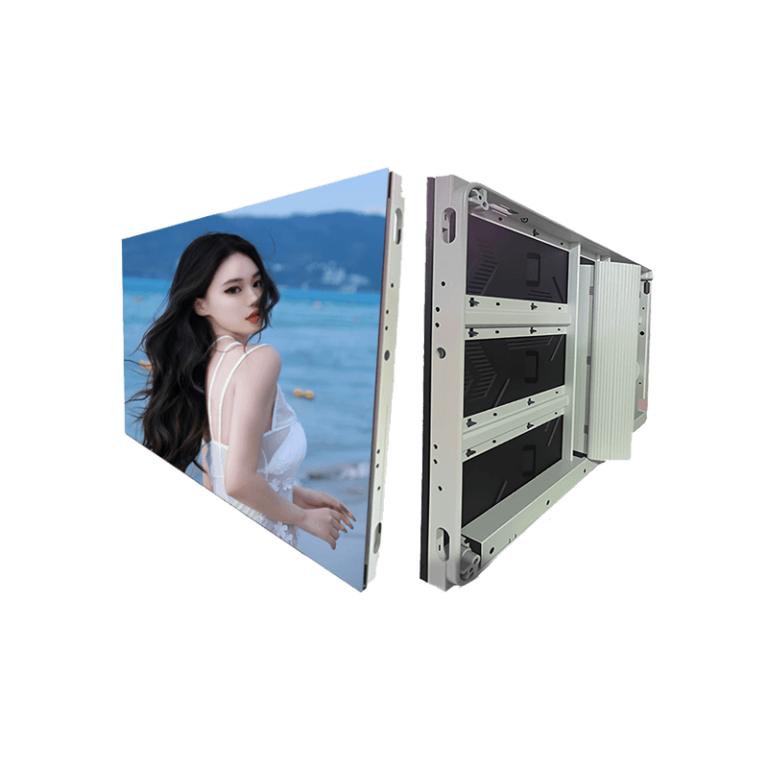
A live-streaming LED wall can put the finished scene behind the presenter during the broadcast. A green screen keeps the physical set simpler and creates the scene through keying and compositing. Both can handle real-time virtual set changes, but their risk points are different.
Define What a Scene Change Means in the Live Show
Not every change needs the same response time. A scheduled transition between show segments can be prepared and rehearsed. A live poll result, a guest connection, a sponsor update, or a breaking-news graphic may need a fast, reliable change with little room for repair. List the planned states before choosing the background system: opening, main presentation, remote guest, product demonstration, sponsor, data feed, emergency fallback, and end slate.
For a smart display, the content system, processor, and operator must map each state to the correct screen layout. For a green screen, the vision mixer, keyer, graphics engine, tracking data if used, and camera framing must all remain aligned. Both workflows benefit from cue sheets and rehearsals. Neither becomes automatic simply because the background is digital.
Planned Changes and Unplanned Changes Have Different Risks
Planned transitions can be previewed, colour-checked, and rehearsed. Unplanned changes test operational discipline. A live-streaming LED wall may give the director an immediate visual confirmation because the background is visible in the room. Green screen can allow a new virtual background for live streaming without changing the physical set, but the team must watch for key edges, spill, tracking drift, or a source that is not ready.
Build a fallback scene that is simple, neutral, and stored locally in the playback chain. Network-delivered assets, cloud tools, and remote contributors can fail. A professional livestream studio setup needs a local route that can hold a clean programme image while the team recovers the preferred scene.
What the Camera Gains From a Smart Display
An LED wall can contribute a real background, reflections, and ambient colour during the take. That can be useful when a presenter holds a glossy product, stands beside a physical prop, or needs to react naturally to visible graphics. The director, presenter, and client can all see the scene before it reaches the stream, which can shorten some approval loops.
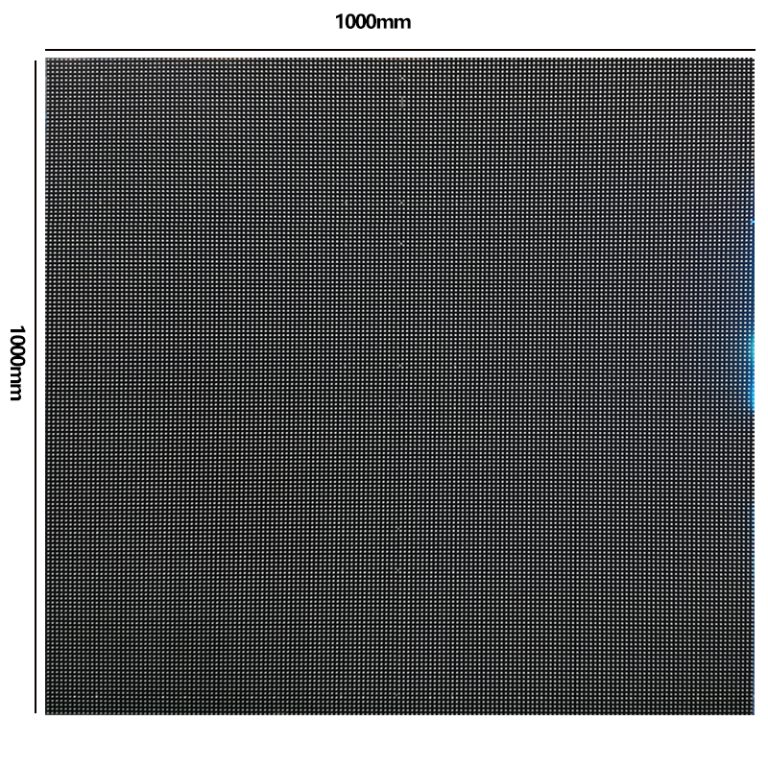
The trade-off is that the wall becomes part of the camera system. Pixel pitch, refresh rate, scan mode, brightness, grayscale, colour calibration, camera shutter, frame rate, lens distance, and content pattern must be tested together. A camera-friendly LED display is not defined by pitch alone. Fine lines, moire, low-brightness banding, and colour spill can still appear if the content or camera settings are poorly matched.
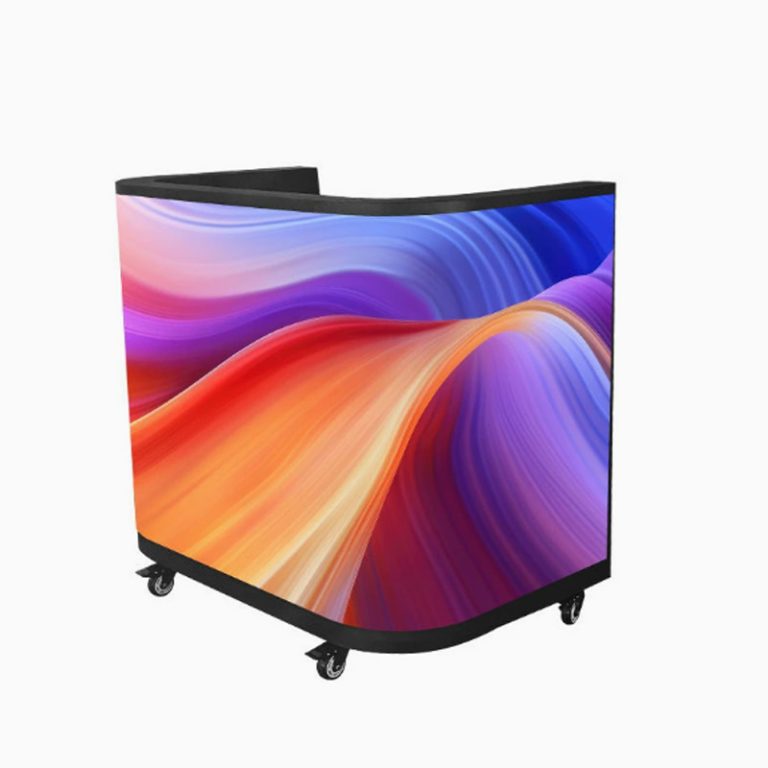
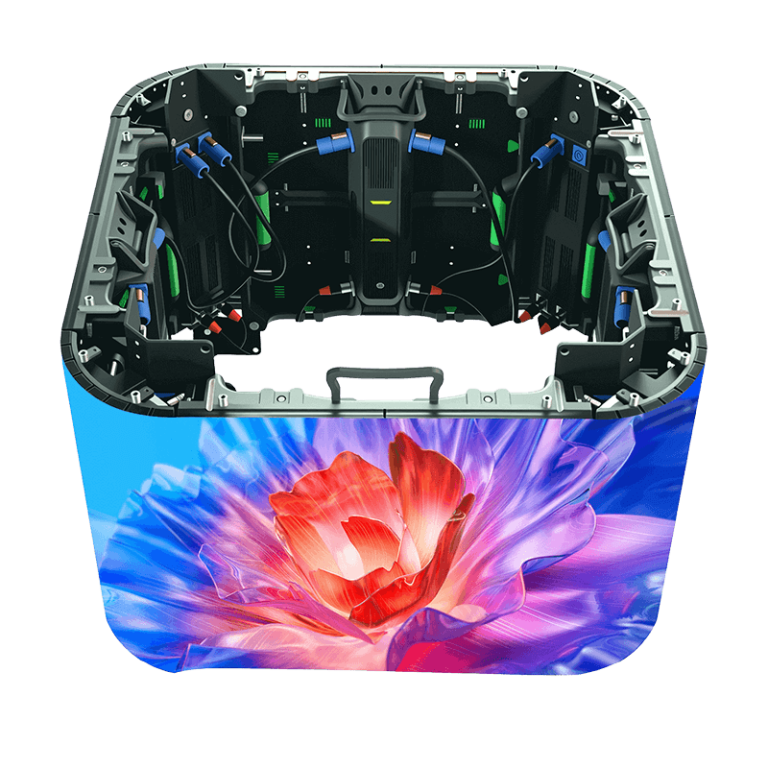
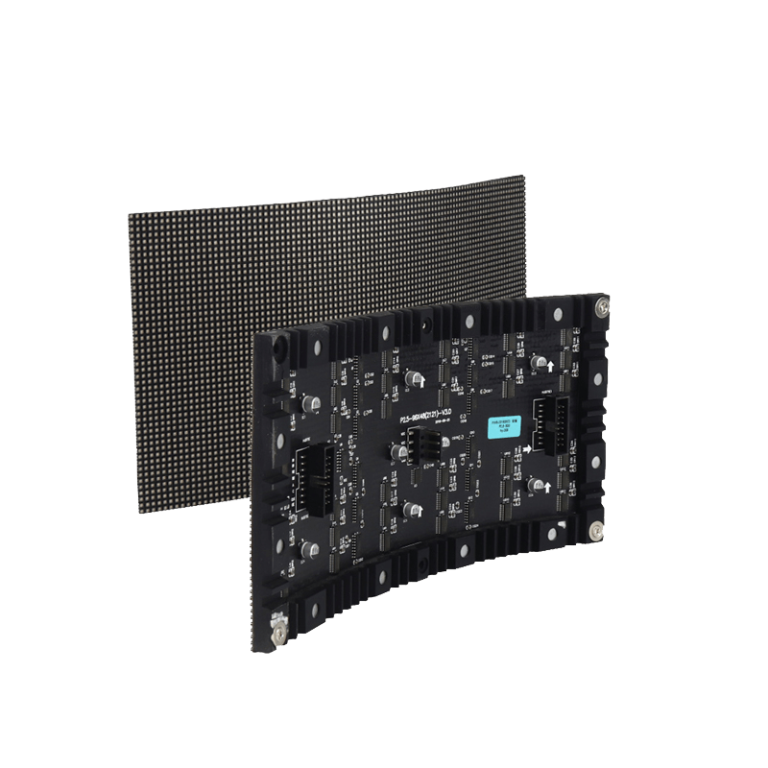
An indoor LED display category may support a curved background or a compact wraparound set, while an outdoor flexible display belongs to a different environmental brief. The real decision is not to choose an impressive format on paper. It is to choose a configuration that records cleanly at the working brightness and leaves enough room for cameras, talent, cables, and service.
Where Green Screen Remains Faster
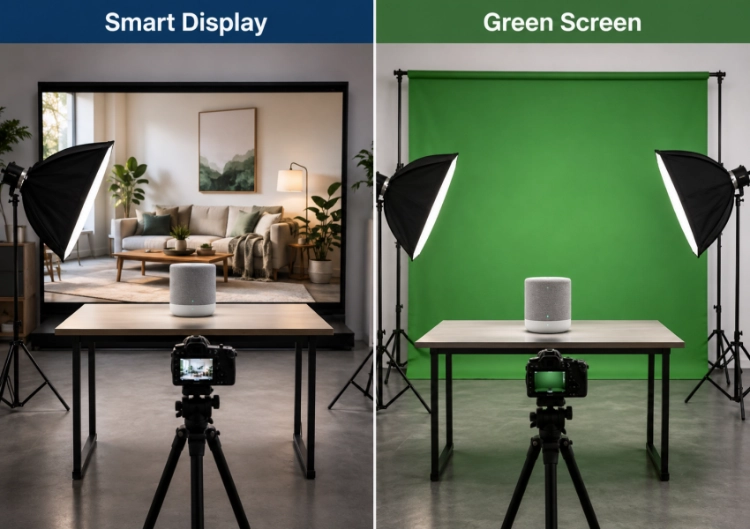
Green screen can be quicker when the program needs many background variants and the production already has an experienced keying and graphics workflow. One cleanly lit stage can be used for different virtual locations without rebuilding the room. It can also be the lighter initial investment when the team already owns the camera, lighting, compositing, and graphics tools needed to maintain a reliable key.
The cost is moved into the live pipeline. Hair, translucent fabric, reflective objects, handheld products, and motion near the edge of the frame can make the key less stable. A green spill may be manageable in an interview shot and become obvious in a product close-up. If the director wants to alter the background during a live segment, the operator must confirm that the keyed foreground still sits naturally against the new scene.
This is why green screen is not automatically more flexible. It is flexible when the crew can key, preview, correct, and approve changes at broadcast speed. If those skills or systems are thin, the apparent low-cost option can create more on-air risk than a physically visible background.
Compare the Two Workflows at Broadcast Pace
Run a rehearsal with the real show order. Change from a bright opening graphic to a dark interview scene, switch a guest window, bring up product footage, cut to a close presenter shot, and return to the sponsor slate. Record every transition. With a smart display, look for exposure shifts, reflections, scan lines, pattern conflicts, and a screen that overwhelms the talent. With a green screen, look for edge chatter, spill, tracking errors, and delayed graphic updates.
The right ROI comparison is not a generic payback number. Count preparation time, on-air crew roles, content versions, corrective work, equipment maintenance, studio availability, and the cost of a failed live segment. A broadcast studio LED screen may require more initial hardware and calibration, but it can reduce some background-keying steps and make scene approval more direct. Green screen may protect capital cost and offer broad virtual variety, yet it may demand stronger real-time compositing resources.
Build Content Governance Into the Control Position
Real-time scene changes need an approval rule. Assign who can load a new layout, who approves sponsor assets, who checks colour and safe areas, and who has authority to use the fallback. Store named scene versions and retain the tested processor or graphics settings. That prevents a last-minute file change from introducing an unexpected crop, wrong colour profile, or unreadable text.
For an LED system, record wall brightness, calibration settings, processor input mapping, and camera settings used in rehearsal. For green screen, record lighting positions, keyer settings, tracking conditions, and colour-correction choices. A repeatable show is built from these details, not from an assumption that a virtual background will behave the same every day.
Select the System Around the Studio’s Real Capacity
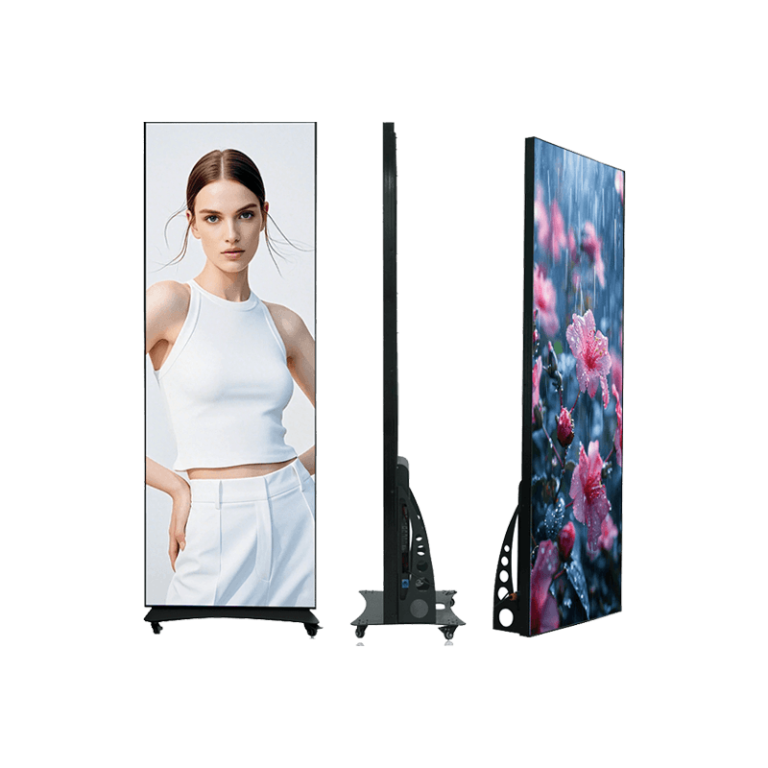
The commercial display application path can be useful when a studio also serves demonstrations, training, or branded events. It does not replace a broadcast acceptance test. The supplier should be given screen size, camera positions, lens and shutter range, target brightness, content resolution, room depth, mounting plan, cooling, maintenance access, and the required transition workflow.
Leyaled display categories can support a product discussion once those conditions are known. Leyaled provides the broader range, but the final selection should be tied to a camera test and a written operating plan. Choose a smart display when the live visibility, direct lighting, and repeatable content pipeline suit the show. Choose green screen when the keying team can handle rapid scene changes with equal confidence. In many studios, a hybrid workflow may be the most practical: a physical LED element for real interaction plus keyed extensions where flexibility matters most.
FAQ
Q1: Which setup changes scenes faster during a live stream?
A1: It depends on the prepared workflow. An LED wall can show a new approved scene immediately in the studio, while a green screen can switch virtual scenes quickly when the keying and graphics pipeline is already stable.
Q2: Does a live–streaming LED wall remove the need for camera tests?
A2: No. Test refresh, scan mode, brightness, grayscale, colour calibration, content patterns, shutter, frame rate, lens distance, and reflections before a live program.
Q3: Is a green screen cheaper for a livestream studio setup?
A3: It may have a lower initial hardware cost, but the total depends on lighting, keying expertise, graphics systems, content changes, corrective work, studio time, and the risk of on-air errors.