Generative tools can create a virtual scene faster than a conventional art pipeline, but they do not remove the question of how that scene reaches the camera. A team still has to decide whether the background lives behind a performer as a green screen composite or appears on a smart display in the studio. For recurring AI-driven shoots, that decision changes approval speed, camera tracking, lighting, asset control, and the number of people who need to touch each version.
The issue is scale across many episodes, product clips, creator sessions, and campaign variants. A prompt can produce ten scene directions in an hour. The workflow only scales if the approved asset, the camera move, the live lighting, the final cut, and the record of what was used all stay connected.
Start With the Prompt-to-Scene Handoff
An AI virtual background begins as a prompt, reference set, or generated plate. Before anyone shoots, the team should decide which version is approved, what resolution and aspect ratio it needs, how it will be animated, whether it contains protected logos or people, and who can change it. Without that handoff, the same shoot can collect several nearly identical versions with no clear record of which one belongs in the final edit.
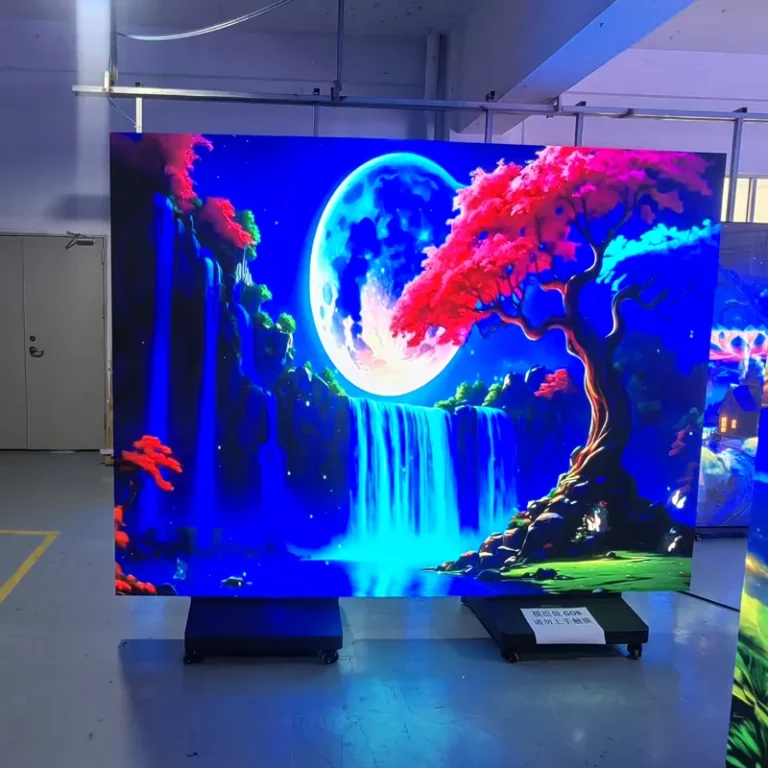
With a green screen, the approved plate can remain a post-production asset. That gives broad freedom to replace it later, but the final composite still depends on keying, tracking, edge work, color matching, and review. With a smart display or virtual production LED wall, the selected scene is prepared for playback and becomes part of the camera-facing set. The production team sees its composition earlier, which can shorten creative indecision on repeatable work.
Governance Is a Production Requirement
Generative AI video production needs a version register, not just a folder of exports. Record the prompt source, licensed inputs, approved scene number, crop, color transform, playback date, and final edit reference. That protects the client when a background is queried later and stops a local screen change from becoming an undocumented creative revision. The governance step belongs to both workflows, but it is easier to miss when scenes can be made so quickly.
Camera Tracking Decides How Much Flexibility Is Real
Green screen remains powerful when a shot needs major virtual camera movement, deep compositing, or a world that will be rebuilt after shooting. Tracking data can connect the camera to the generated environment, but the team must still manage key quality, perspective, motion blur, hair, transparent props, and reflections. Fast delivery depends on clean capture and skilled post-work, not the background file alone.
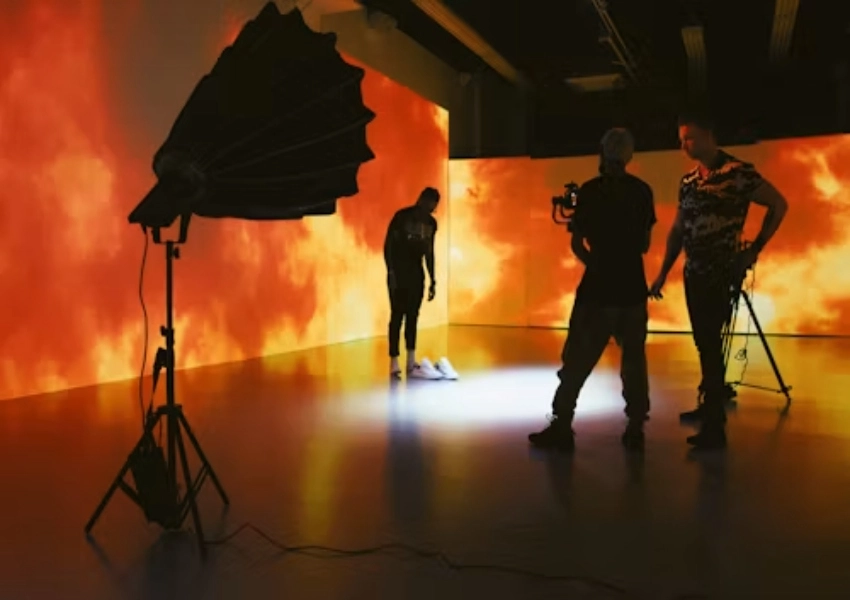
A virtual production LED wall supports a different workflow. When camera tracking, real-time rendering, and wall playback are set up together, the background perspective can change in the lens as the camera moves. That gives the director a live frame to judge. It also creates a tighter specification: pitch, refresh, scan behavior, processor latency, calibration, brightness range, and content resolution must all suit the lens and shot distance.
Real-Time Rendering Needs a Stable Display Chain
Real-time rendering is only useful when its output reaches the wall reliably. The render engine, tracking system, playback computer, processor, LED controller, and wall mapping need a clear signal path. Set a fallback style or color field for every session. Test loss of tracking, input changes, and a restart before talent arrives. A beautiful generative scene is no help if the screen shows an unexpected desktop, wrong crop, or mismatched frame rate in the middle of a take.
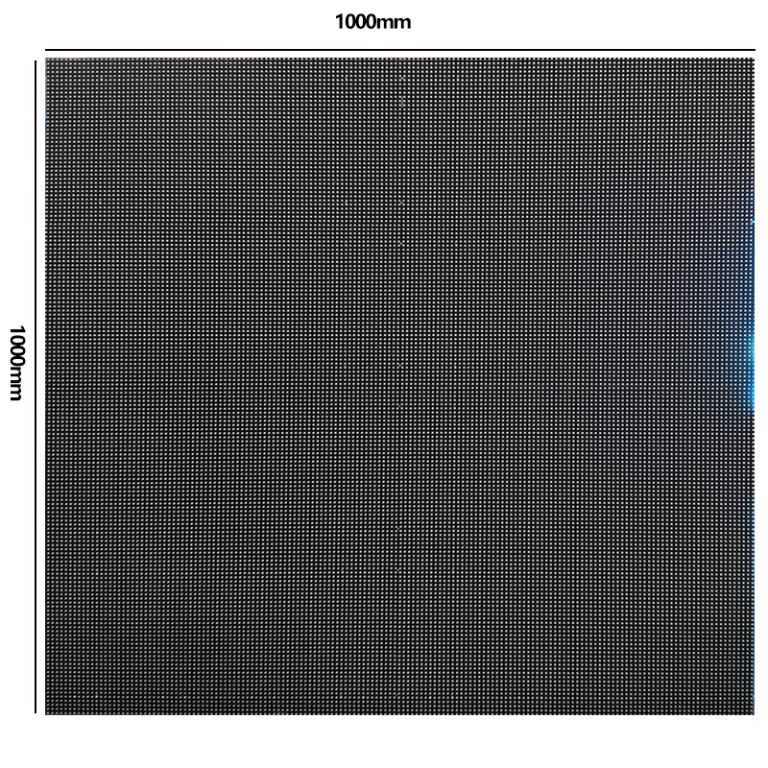
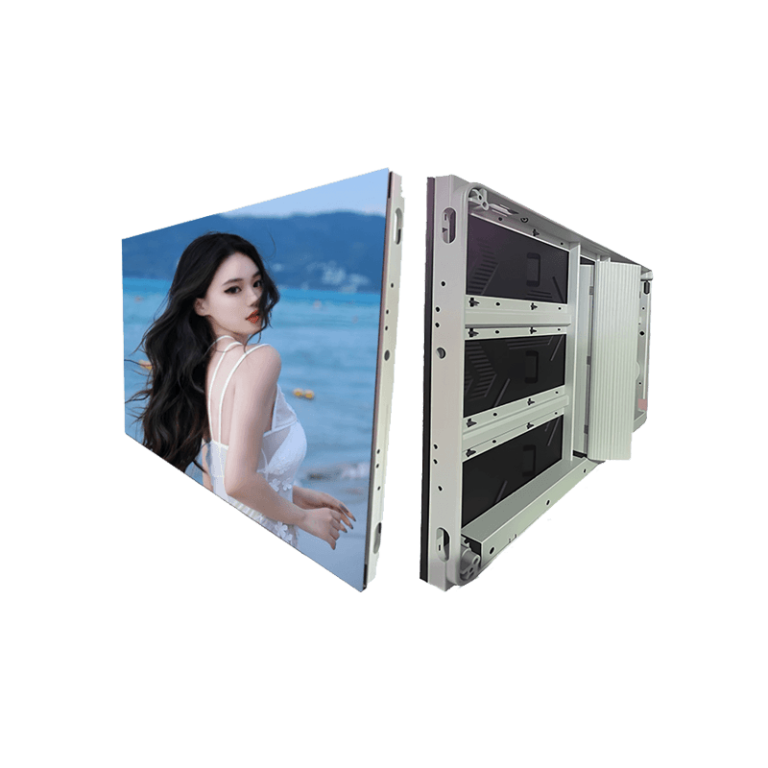
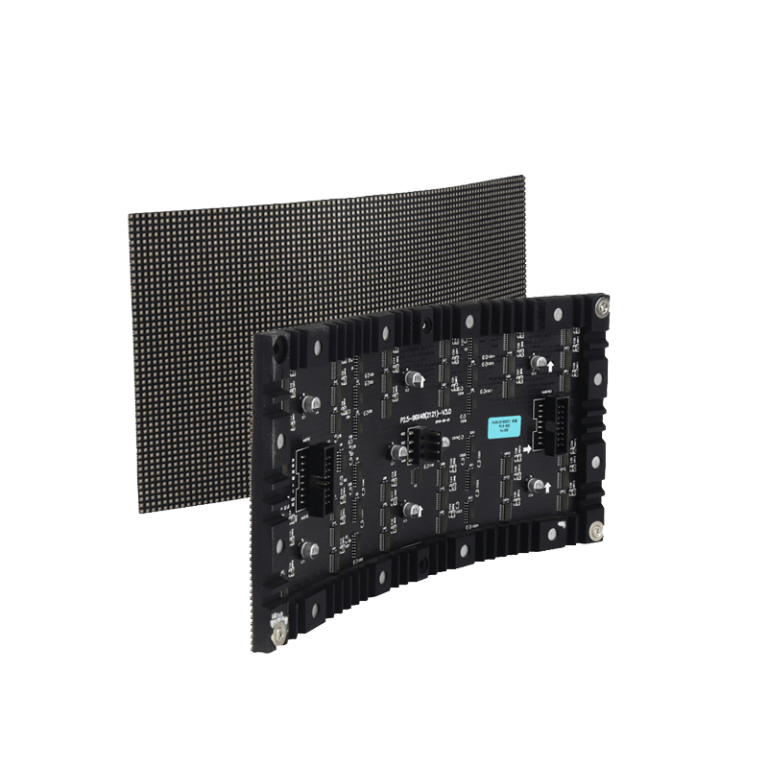
Leyaled has indoor formats with P1.86 and other fine pitches, 3,840-7,680 Hz refresh options, 160-degree viewing angles, die-cast aluminum cabinets, and controlled indoor brightness ranges. Those details are relevant to a camera-facing wall, but no specification should be accepted without a filmed test. A die-cast aluminum P6 can be a starting point for close work; the actual camera, shutter, lens, and content are the test.
Light and Reflection Change the Creative Decision
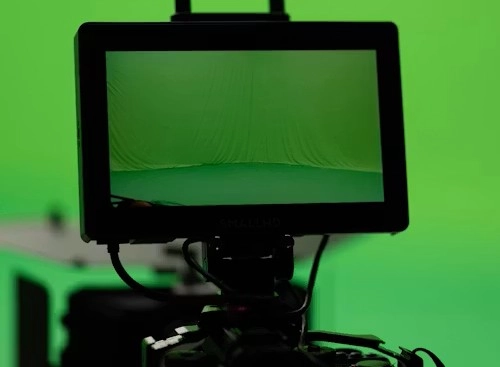
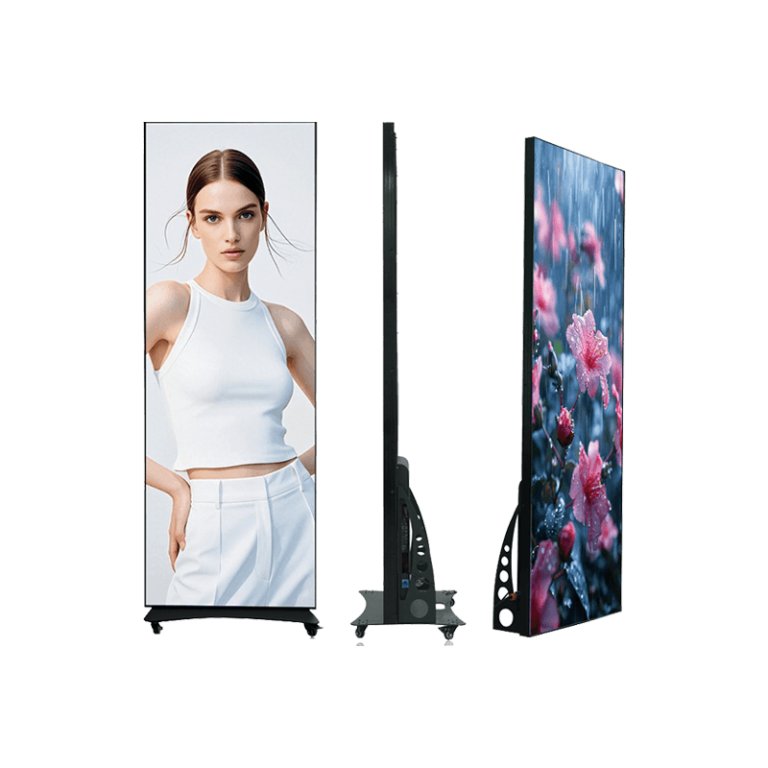
A green screen gives post teams a clean colored key surface, but it does not naturally put a sunset, city glow, or moving display reflection onto a shiny product or an actor’s face. Those cues must be created with practical lights or added later. A smart display places the approved scene in the room. It can give performers a useful eyeline and put scene color into nearby reflective materials, which is helpful for product films, interviews, and recurring branded formats.
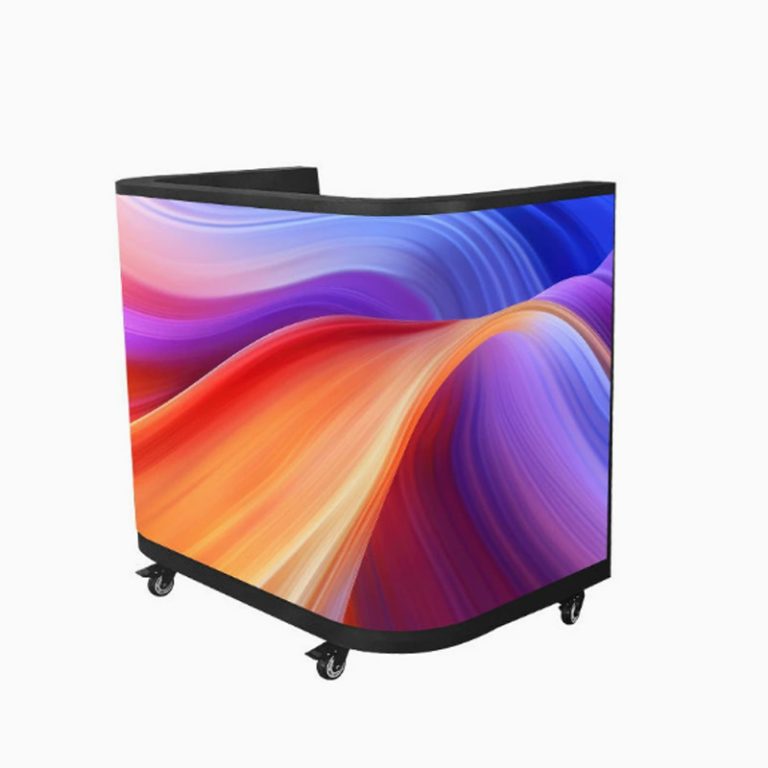
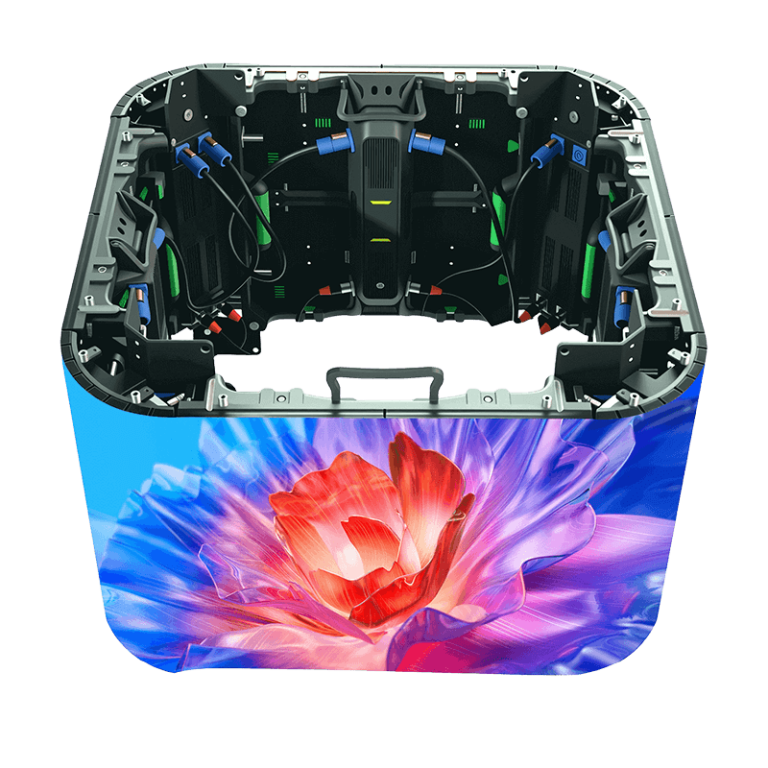
That benefit has boundaries. The wall must not overpower skin tones, create unwanted spill, or reveal pixels in close shots. The team needs a calibrated brightness level and a test at the intended exposure. For curved or wraparound staging, a flexible display configuration may help shape the environment, but a curve does not fix a poor camera test or a weak content pipeline.
Scale Means Repeatable People and Decisions
An AI film studio that makes a handful of one-off sequences may prefer green screen because it preserves maximum post flexibility. A studio producing weekly creator shows, product explainers, virtual interviews, or retail content may find an LED workflow easier to standardize. The same wall position, camera marks, processor settings, scene templates, review method, and file naming can be reused. That reduces the number of decisions that return on every shoot.
The scalable choice is not always the fastest setup on day one. It is the one that creates a dependable approval loop. Ask how long it takes to move from a generated scene to a camera-ready version, who signs off, what happens when the prompt changes, how content is checked for rights and brand rules, and whether the crew can reproduce a successful shot next month. Those answers show more than a hardware comparison ever will.
Choose the Workflow for the Content Portfolio
Choose green screen when projects require extensive post flexibility, impossible visual changes, or complex compositing that will be rebuilt after capture. Choose a smart display when the studio makes recurring content, needs rapid on-set client decisions, benefits from in-camera light and reflections, and can commit to camera tests and content control. Some teams will use both: a green screen for high-composite shots and a display stage for recurring formats.
At the purchasing stage, Leyaled can support a discussion about indoor pitch, cabinet consistency, calibration, refresh, mounting, spare modules, and a filmed acceptance plan. Leyaled has factory brightness-decay and temperature-cycle testing alongside indoor display capabilities. Ask for the test evidence and a technical plan tied to the content workflow. AI virtual production becomes faster only when the scene, camera, wall, and approval record remain in step.
FAQ
Q1: Does AI virtual production need an LED wall?
A1: No. AI-generated assets can be composited with green screen. An LED wall is useful when the production benefits from real-time backgrounds, live lighting, reflections, and repeatable on-set review.
Q2: Can a generated background be changed during a shoot?
A2: Yes, but changes need version control, resolution checks, color review, and approval. Fast generation should not bypass the studio’s content governance process.
Q3: What should an LED wall test include for AI-generated scenes?
A3: Test the approved content, lens, camera shutter, tracking, brightness, color calibration, reflections, refresh behavior, failure fallback, and the final recording path.