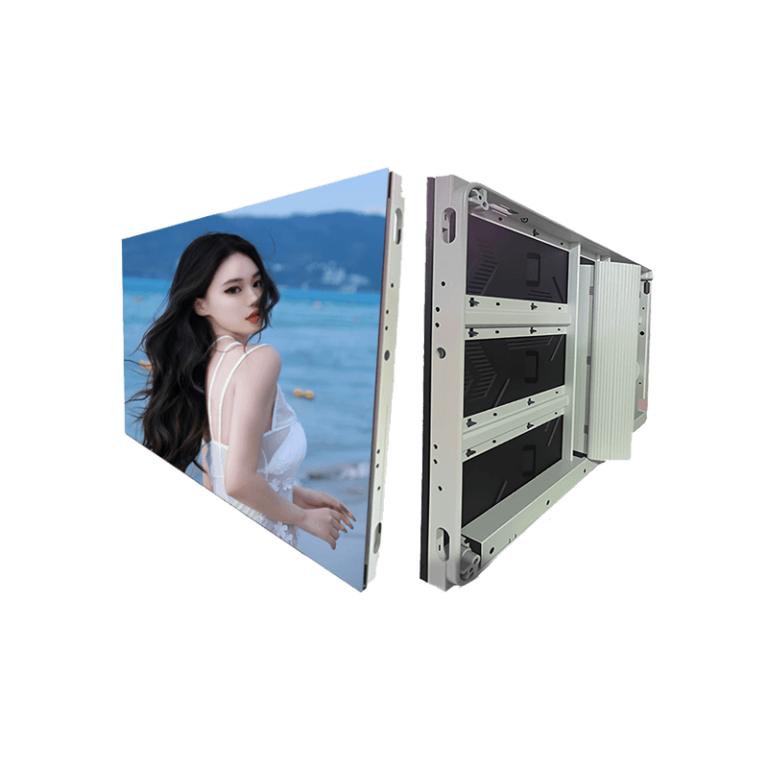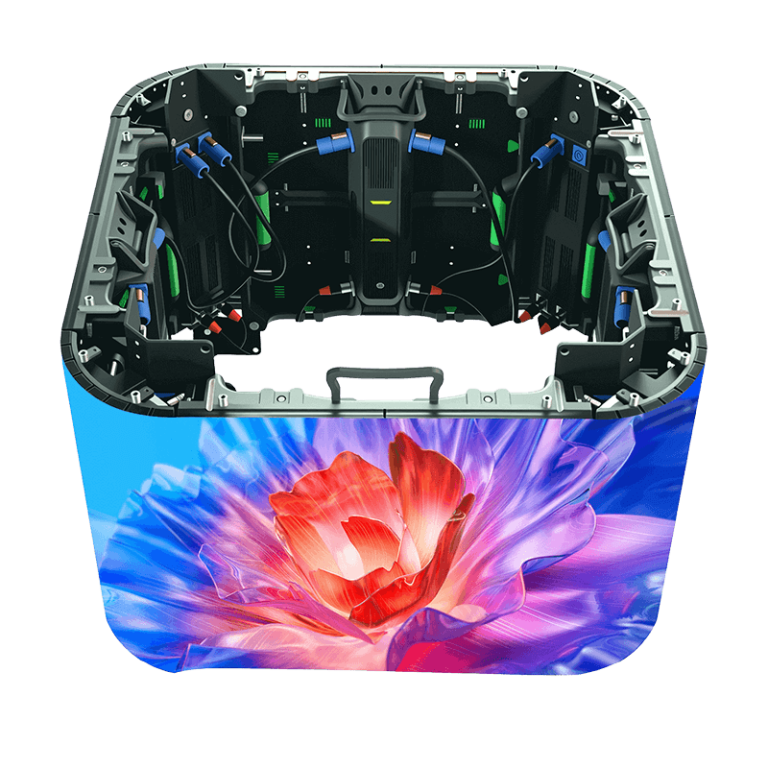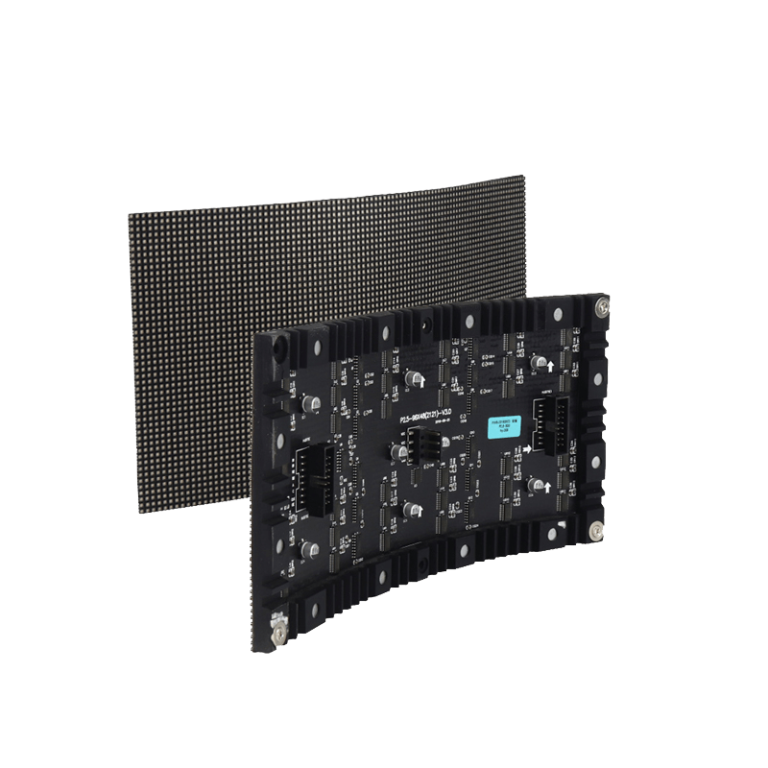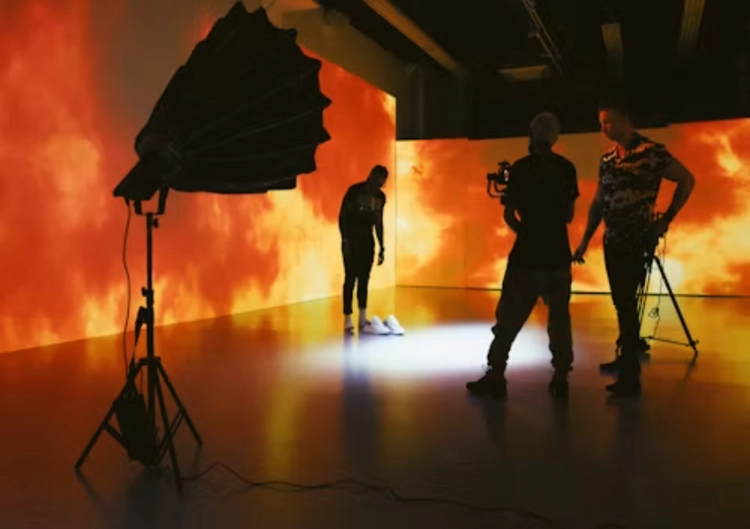
There is no single pixel pitch that works for every virtual production LED wall. A wall for wide shots may sit several metres behind the talent, while a close product shot can place the lens much nearer to the LED surface. Camera angle, lens choice, stage depth, content detail, and the amount of wall visible through reflections all change the decision.
The right question is not “what is the smallest pitch available?” It is “what pitch gives the required image at the intended camera positions without creating an unnecessary cost or a difficult stage?” A useful specification starts with the shot list and ends with a camera test using the actual wall configuration.
Begin With Camera Distance and the Shot List
Pixel pitch is the distance between neighbouring pixels. A smaller pitch produces a denser image and can hold up better when the camera moves closer or resolves detailed virtual scenery. A wider pitch may be perfectly acceptable for a distant background that is softened by depth of field, atmospheric perspective, or the final delivery format.
List the nearest lens position, the farthest lens position, the expected focal lengths, the camera height, the angle to the wall, and whether the floor or ceiling will also be visible. A close-up of a face, a reflective vehicle, and a wide stage shot place different demands on the same virtual production screen. A single viewing-distance estimate will miss those differences.
The Leyaled indoor references place P1.25 at about 1.2 to 15 metres, P1.56 at about 1.5 to 20 metres, and P1.87 at about 1.8 to 20 metres as product working ranges. These are useful starting points for a shortlist. They are not a camera guarantee, because moire, focus, shutter, content frequency, and post-production framing can change the result.
Use the Hardest Shot to Set the Shortlist
Build the test around the most demanding shot rather than the average shot. Include a near lens, a wider lens, a slow camera move, a static frame, a dark scene, a bright scene, fine architectural lines, and skin tones. The wall should be judged at the exposure and brightness intended for production, not only at a showroom setting.
If a P1.56 wall looks clean at the closest required position and gives enough stage depth, moving to P1.25 may not add visible value. If the camera must approach the wall, focus on detailed textures, or capture the wall in reflective objects, the extra density may be worth the added system cost. The answer comes from the shots, not the pitch label alone.
Pixel Pitch Is Only One Part of Camera Readiness
A virtual production LED wall must behave as a display system. Refresh rate, scan mode, grayscale, brightness control, colour calibration, processor mapping, camera shutter, frame rate, lens distance, and focus interact. A wall with a fine pitch can still show banding, scan lines, colour shifts, or unstable low-brightness gradients if those elements are poorly matched.
Indoor fine-pitch families with 3840 Hz references, and some flexible or cabinet families with 3840-7680 Hz options. The exact refresh rate, scan mode, driver IC, grayscale performance, and low-brightness behaviour should be named in the RFQ for the chosen model. A generic “high refresh” phrase is not enough for a film-stage acceptance test.
Brightness needs the same care. A virtual set often runs below the maximum output of an indoor display, so the talent, lens, and virtual environment balance naturally. The screen must keep useful grayscale and colour detail at the working level. A specification that lists only maximum brightness does not show how the wall behaves in a dim scene.
Match Pitch to Stage Geometry and Content Detail
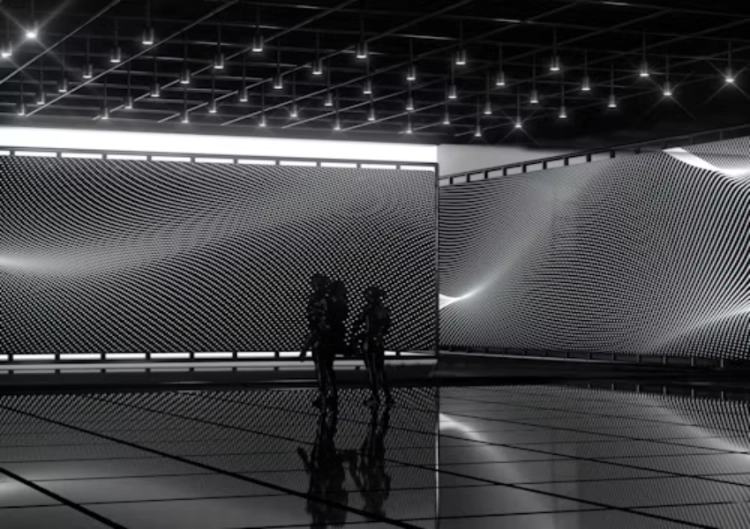
An LED volume is not only a flat wall. Curved corners, a ceiling, a floor, or a partial wrap can keep the wall in frame while the camera moves. The curve changes the distance from lens to pixels and can make seams, calibration drift, or focus differences more visible. The pitch should therefore be considered with cabinet flatness, curve design, alignment, and the planned content canvas.
High-frequency virtual scenery deserves attention. Repeating windows, blinds, fine brick, thin railings, text, and hard diagonal lines can interact with the physical pixel grid and the camera sensor. A lower pitch can help, but it cannot fix content that is too sharp or poorly filtered for the camera. The art and display teams should test the most demanding textures before the wall is ordered.
Die P3.91 indoor LED display is one concrete reference for comparing a mid-pitch indoor cabinet family. It should not be treated as a virtual production recommendation by itself. A stage brief may need a smaller pitch, a different cabinet depth, or a camera-specific configuration after the shot test.
Decide Between P1.25, P1.56, and Wider Options
P1.25 is a strong candidate when the camera works close to the wall, the scene contains fine detail, or the wall is also used for product and talent shots. The company references list high pixel density and 3840-7680 Hz options for this family, yet the buyer still needs confirmation of the quoted cabinet, driver, processor, and test conditions.
P1.56 can be the practical middle ground for stages with a moderate camera distance and mixed shot types. It offers more density than P1.87 without automatically carrying the smallest-pitch cost and system load. P1.87 or a wider pitch may make sense for long-lens wide shots, a large stage, or a wall that is intentionally softened in the image.
The final choice should also consider the camera’s depth of field. A wall may be physically close but optically soft in a particular shot. Another shot may stop down and reveal more of the pixel structure. That is why the production team should supply representative lenses and camera settings rather than asking a supplier to choose from a pitch alone.
Build a Real Acceptance Test Before Bulk Purchase
Request a sample cabinet or a representative section of the proposed wall. Test it with the camera body, lenses, shutter range, frame rates, colour pipeline, processor, and content system intended for the stage. Record the test, then inspect the footage at the delivery resolution and at a larger review size.
Check for moire, scan lines, flicker, colour shift across the curve, dead or bright pixels, seams, brightness differences, low-gray noise, and reflections on physical props. Repeat the test after calibration and at the working brightness. A wall that passes only at full white or a single shutter angle has not been fully evaluated.
Die commercial display solution path can be useful when a stage also serves demonstrations, branded content, or training. It does not replace a film-stage test. State the camera positions, content resolution, tracking system, processor, calibration expectation, and maintenance route in the RFQ. The solution range offers a broader context, while the final model must be selected against the actual set.
Include the target pitch or an approved range, camera distance, lens list, maximum wall brightness, working brightness, refresh requirement, scan information, grayscale at low output, colour calibration, cabinet flatness, curve radius, processor, genlock or timing requirements if applicable, service access, spare strategy, and the content test pack.
Avoid setting a pitch in isolation from stage size. A very fine wall can increase cost, pixel count, data handling, power distribution, and calibration effort. A wider wall can lower the entry cost but create a visible grid in shots that were not part of the original test. Both are procurement risks.
For a supplier conversation, provide the shot list, stage drawing, lens and camera details, lighting plan, content examples, required delivery format, and budget boundary. That information lets a manufacturer discuss a workable virtual production LED wall rather than make an impressive but untested pitch recommendation. LProvinz gives a starting point for the broader display range.
FAQ (häufig gestellte Fragen)
Q1: Is P1.25 always the best LED wall pixel pitch for virtual production?
A1: No. P1.25 may suit close cameras and detailed content, but P1.56 or a wider pitch can be better for distant, softer, or larger-scale shots. The decision should follow a camera test.
Q2: Does a higher refresh rate remove moire from a virtual production screen?
A2: No. Refresh affects temporal camera artifacts, while moire is strongly related to spatial sampling, focus, lens distance, content detail, and sensor interaction. Both need testing.
Q3: What should be supplied before a virtual LED wall is quoted?
A3: Supply the stage drawing, camera and lens list, nearest and farthest positions, shot examples, target brightness, content resolution, curve details, service route, and the required acceptance test.