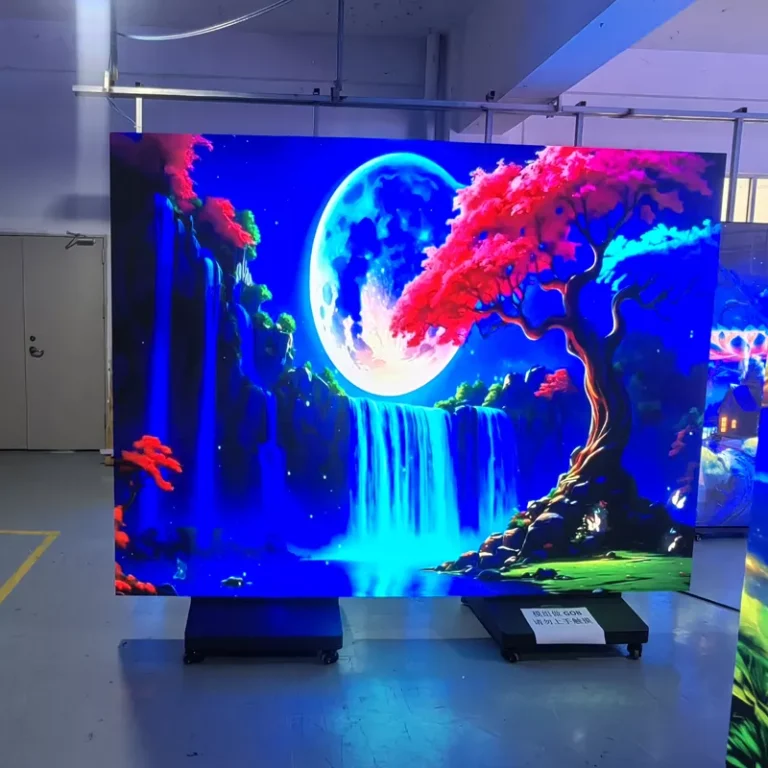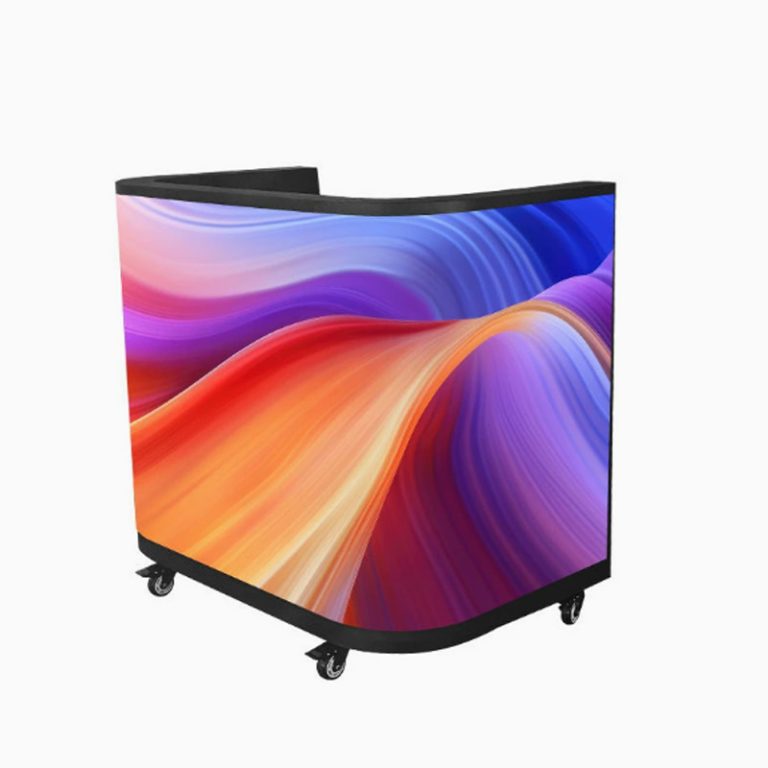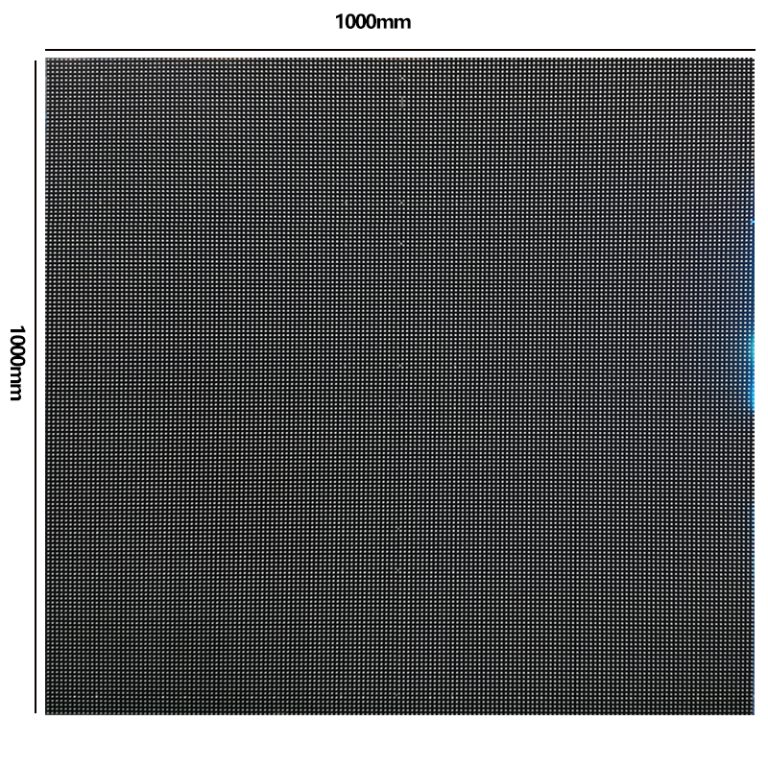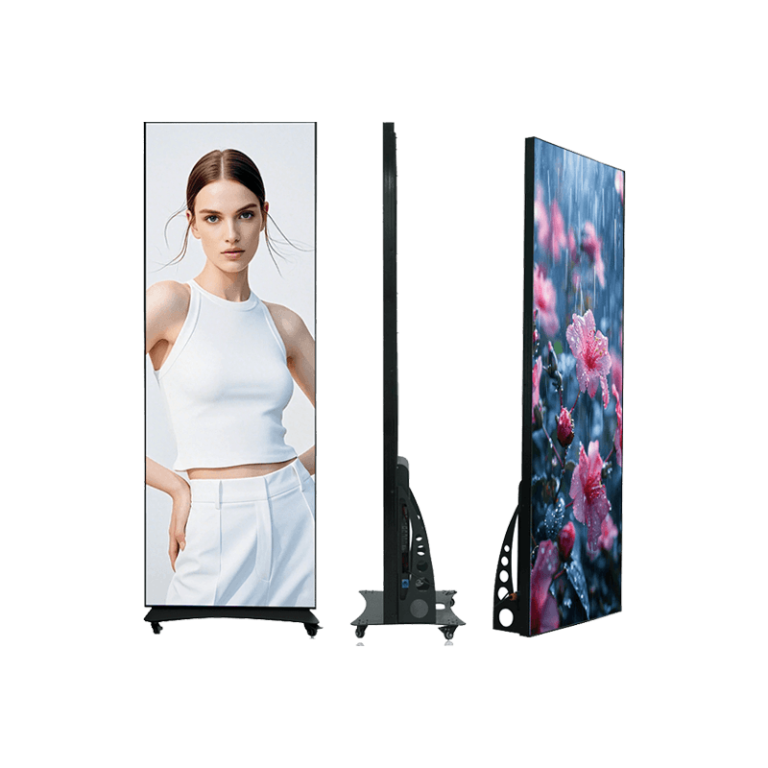
A conference room LED wall is judged from closer range than a lobby display and from more angles than a single presentation screen. A front-row participant may read small agenda text while someone at the far end of the room watches a video call. Cameras add another viewpoint. The result is that pixel pitch matters, but it is not the only thing that decides whether a meeting room LED display feels sharp and comfortable.
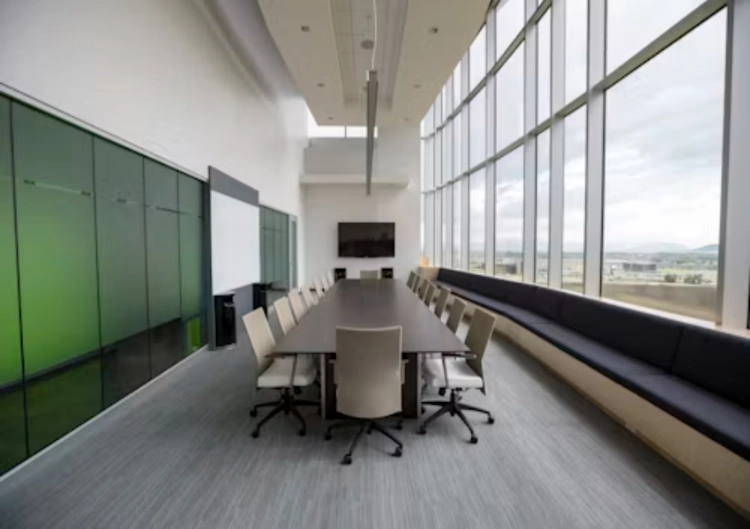
The better starting point is the room itself. Measure the closest normal seat, not the point where a technician could stand. Map the main seating area, the presenter position, the camera line, ceiling light reflections, and the service route behind or in front of the wall. Once those conditions are clear, a fine-pitch LED screen can be selected for visible value instead of as a specification trophy.
Start With the Actual Viewing Zone
Pixel pitch is the distance between neighboring LED pixels. A smaller number places more pixels into the same area, which can make small type, diagonal lines, and screen-shared spreadsheets look smoother at shorter distances. It does not create a universal minimum viewing distance. Eyesight, content contrast, screen size, room lighting, and how long people inspect the image all affect when pixel structure becomes distracting.
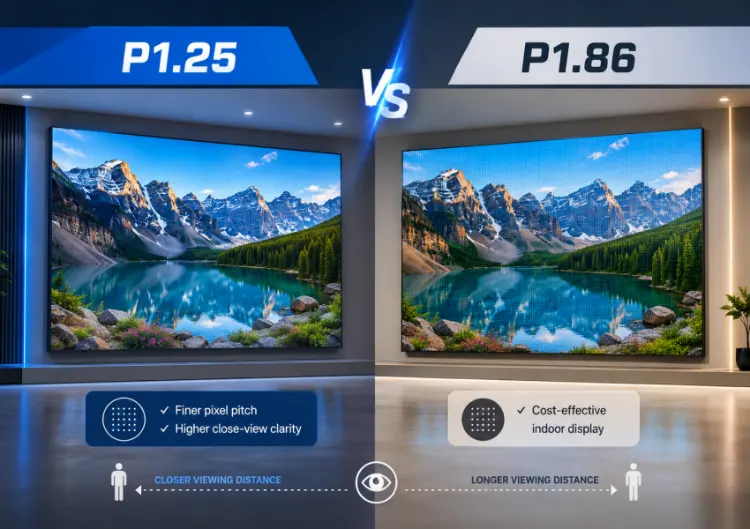
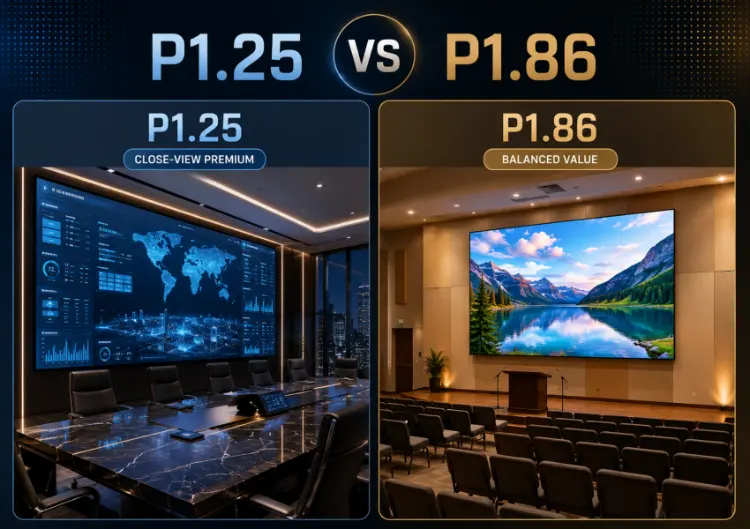
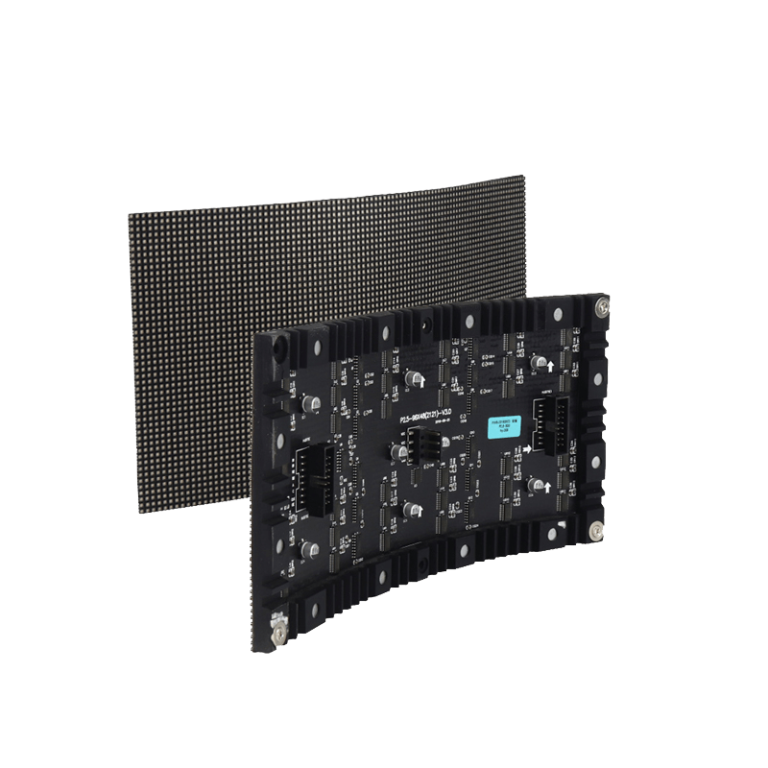
Leyaled place P1.25, P1.56, and P1.86 in the indoor fine-pitch range, with roughly 640,000, 409,600, and 284,440 pixels per square meter respectively. Those figures help compare density, not dictate a model. A P1.25 configuration may be justified when people sit very close and review detailed design work. P1.86 can be a sensible conference-room choice when the nearest normal seat is farther back and presentations use larger type.
Treat Distance Rules as a First Filter
Some buyers use a simple pitch-to-distance multiplier to create a shortlist. It is useful for an early estimate, yet it cannot predict every viewing condition. Thin white text on a dark slide can expose a pixel grid before a colorful video does. A large meeting room wall may also need to look good from a side seat, not only from the center line.
Bring real content to a sample review. Use small text, a spreadsheet, a grey gradient, a face on a video call, a line drawing, and the corporate slide template. Move from the front table to the last row. The point that matters is where the image starts to interrupt the meeting, not the first point at which a trained viewer can detect individual pixels.
Match Pixel Density to Content and Screen Size
The same pitch can produce different results on different wall sizes because the finished canvas changes. A wall used for two presentation windows and a large video feed may not need the same density as one expected to show dense dashboards, CAD drawings, or four separate data views. Source resolution and processor scaling also matter. A very fine indoor LED wall cannot restore detail that was never present in the input.
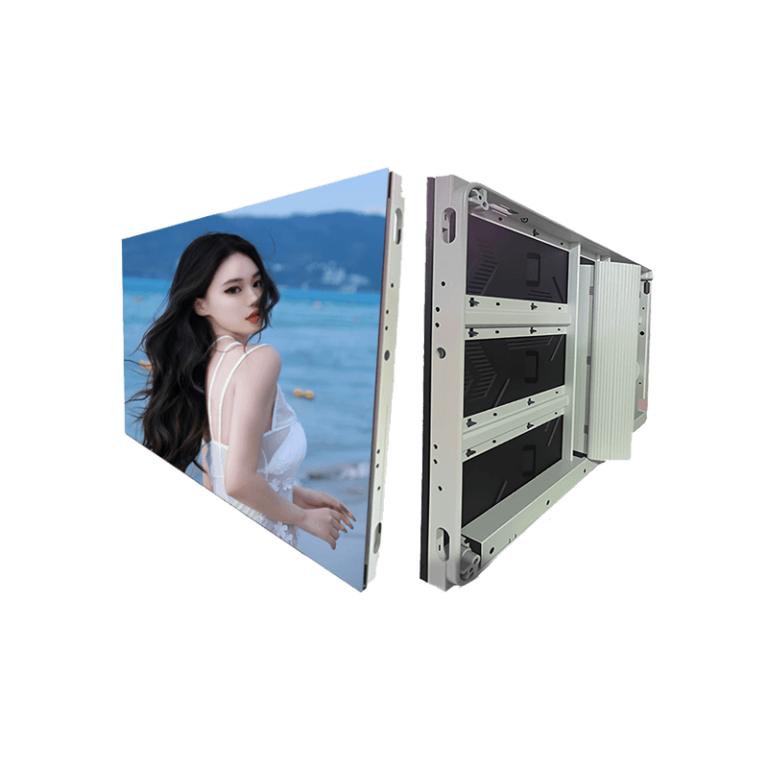
For a mid-depth room, a P2.604 indoor enclosure can provide a useful reference point when content is less dense or the screen sits farther from the table. A P4.81 indoor enclosure belongs to a wider viewing situation, not a close boardroom recommendation. These product paths are useful for comparing cabinet families, while the final pitch should be confirmed against the room plan and a physical sample.
Content habits are easy to underestimate. A company that mainly shows keynote slides today may add a digital-twin dashboard, product detail, or multi-camera webcast next year. That does not automatically justify the smallest available pitch. It does mean the buyer should state the hardest content and the expected life of the installation before the budget is fixed.
Camera Use Changes the Brief
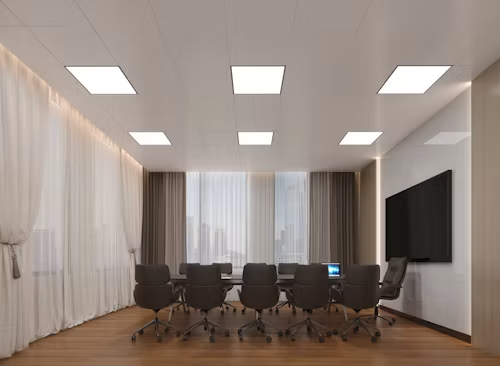
Many meeting rooms now record executive presentations or host remote participants. A wall that looks stable to the eye can show lines, banding, or a visible grid through a camera. Refresh rate, scan configuration, grayscale at working brightness, processor settings, shutter speed, frame rate, lens distance, and focus each influence the footage.
The right camera test uses the room’s normal lighting and the intended equipment. Record a wide shot, a close speaker shot, a slide with white text, dark content, and a video window. Test at the brightness expected during meetings rather than int a bright showroom setting. If the purchase brief calls for a specific refresh rate or camera performance, request the exact configuration and test report for the proposed cabinet. Do not assume that every fine pitch LED screen shares the same drive characteristics.
Brightness and Color Need a Room-Specific Setting
An indoor LED wall should be adjustable enough to sit comfortably beside people, paper documents, and camera exposure. Excessive brightness can flatten the face of a presenter or make white slides tiring to read. Poor low-brightness grayscale can turn dark parts of a deck into visible blocks.
Ask for color calibration, brightness uniformity, and a plan for matched replacement modules. Cabinet seams and a changed module may be more visible in a meeting room than in a public hall. The final requirement should name the target brightness range, not only a maximum output number.
Plan Installation and Service Before Ordering
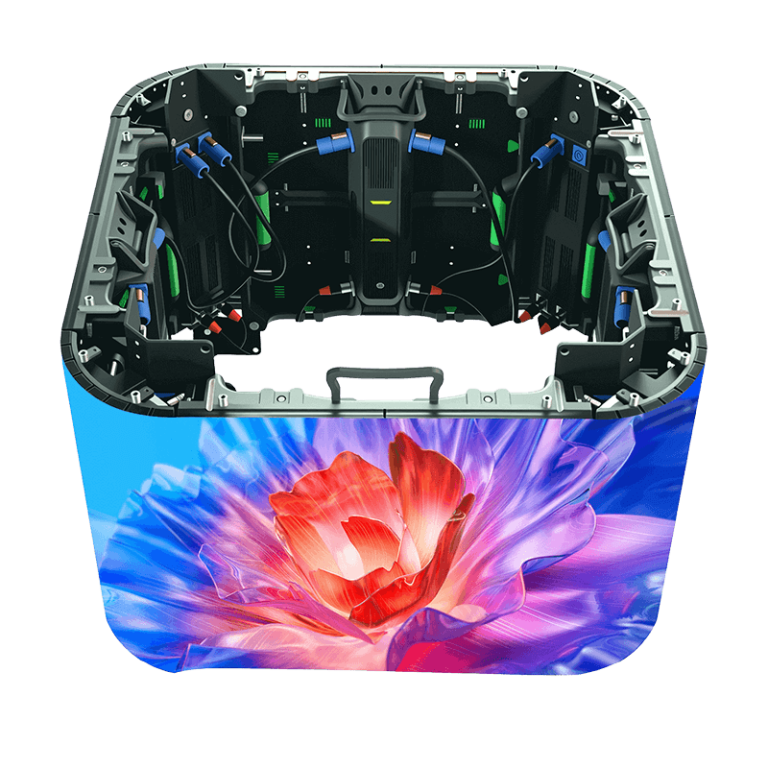
The best pixel pitch can still disappoint if the wall is not flat, the cable route is awkward, or a failed module requires disruptive work. Decide whether front service is necessary, whether rear access exists, how ventilation will work, and how the wall will be supported. Confirm power, signal, processor placement, emergency isolation, and a clear method for keeping calibration records.
Ein indoor fixed-installation route provides a useful starting point for the mechanical discussion. The proposal should still identify the exact cabinet, service direction, structure, spare-module quantity, and acceptance checks. If the room is renovated later, the buyer needs to know whether replacement modules can be color-matched and whether the processor can handle a changed input layout.
Build a Practical Selection Brief
Send the supplier a scale room drawing, display size, closest normal seat, typical seat, camera position, content samples, room-lighting conditions, installation depth, and planned operating hours. Ask for two candidate pitches where the decision is close. Then compare them at the working distance with the same processor and source content.
Leyaled’s indoor and fixed-installation display categories make it possible to narrow a product conversation after the use case is clear. Leyaled can help locate the wider display range, but the purchase decision should end with an exact configuration sheet and a witnessed sample test. Choose the pitch that keeps real participants comfortable and leaves the budget for calibration, installation quality, and future service.
FAQ (häufig gestellte Fragen)
Q1: Is the smallest pixel pitch always best for a conference room LED wall?
A1: No. A smaller pitch helps only when the nearest seats, content detail, or camera use can reveal the difference. It may add cost without improving normal meeting use.
Q2: How should a meeting room LED display be tested before purchase?
A2: Use the real room distance, presentation files, video-call feeds, normal lights, and intended camera. Check text, gradients, faces, cabinet seams, viewing angles, and footage at working brightness.
Q3: Does a conference room LED wall need front service?
A3: It depends on the structure and available rear space. Confirm service direction, module replacement procedure, spare stock, and access time before the installation is approved.