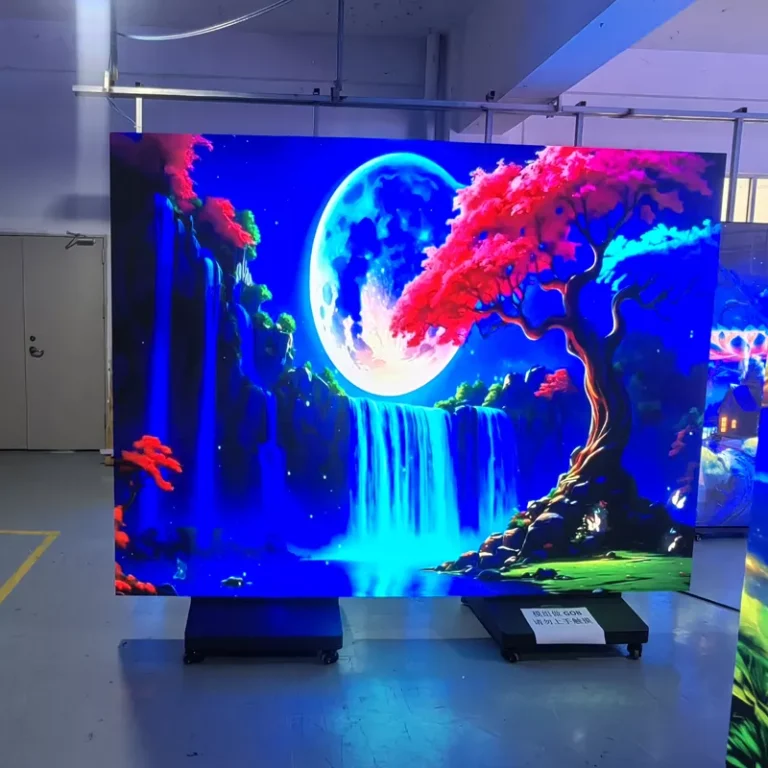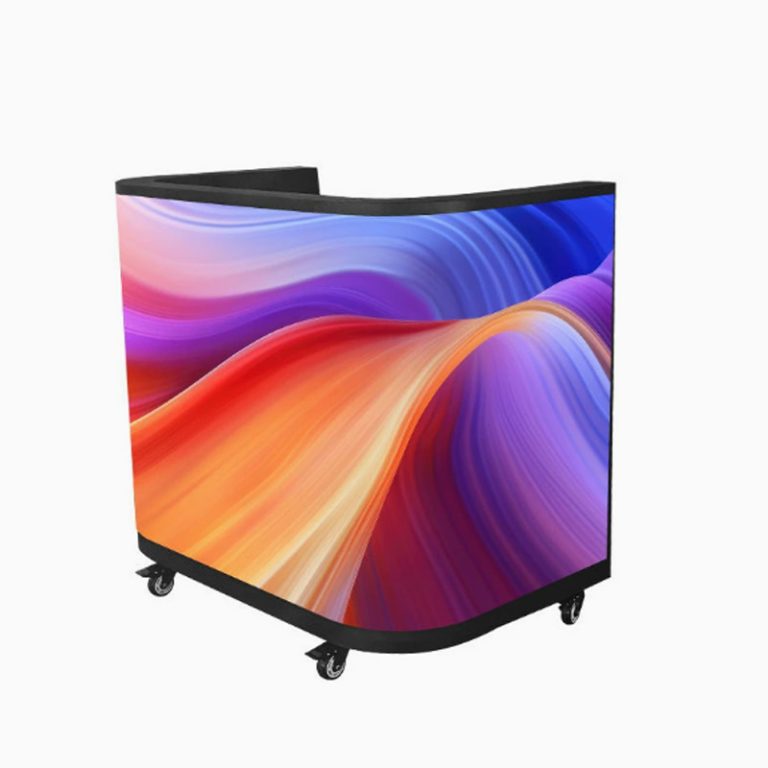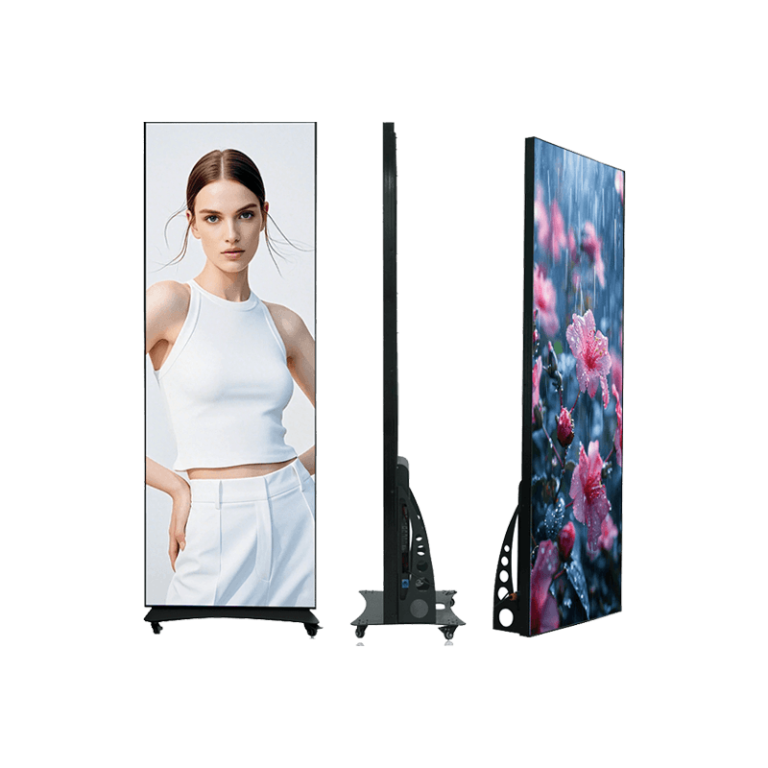
There is no single refresh-rate number that makes every LED screen for camera work safe. A 3840 Hz LED display can record cleanly in many indoor conditions. A 7680 Hz LED screen can provide more margin in some demanding shoots. Yet a higher number by itself does not settle the question. Scan mode, driver behaviour, brightness, grayscale, processor output, camera shutter, frame rate, lens distance, and content all take part in the final image.
That is why a purchase brief should ask for more than the headline LED screen refresh rate. It should name the camera workflow and require a recorded test using the proposed wall. A display that looks stable to a person may still show moving bands, scan lines, brightness pulses, or colour changes through a rolling-shutter sensor.
Refresh Rate and Scan Mode Do Different Jobs
“Refresh rate” describes how frequently the display updates its image. Scan mode describes how the pixels are driven across the module. Both affect what a camera records. A high refresh rate can reduce visible timing artifacts, but a poorly matched scan configuration or camera shutter can still create a pattern in the footage.
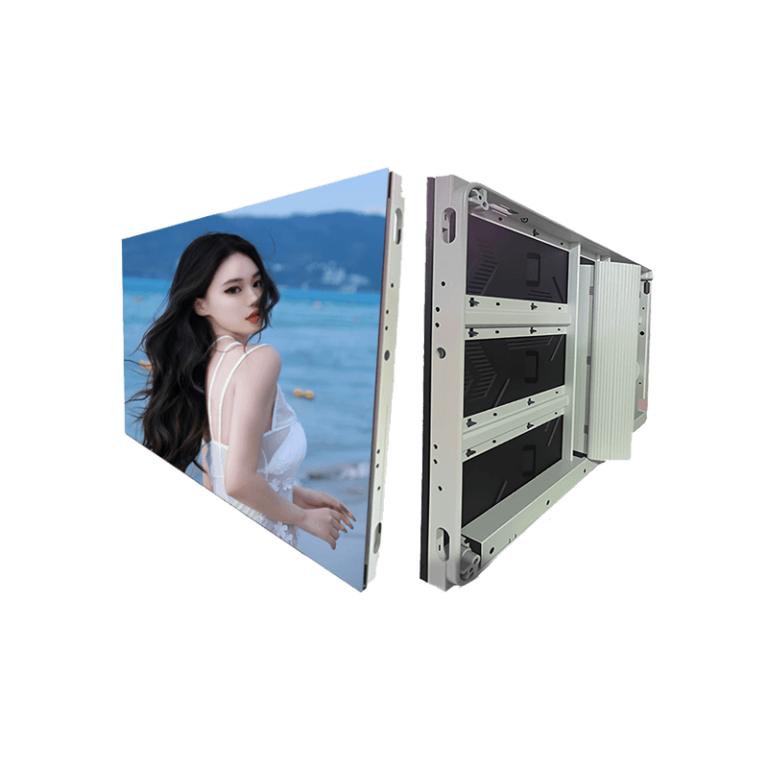
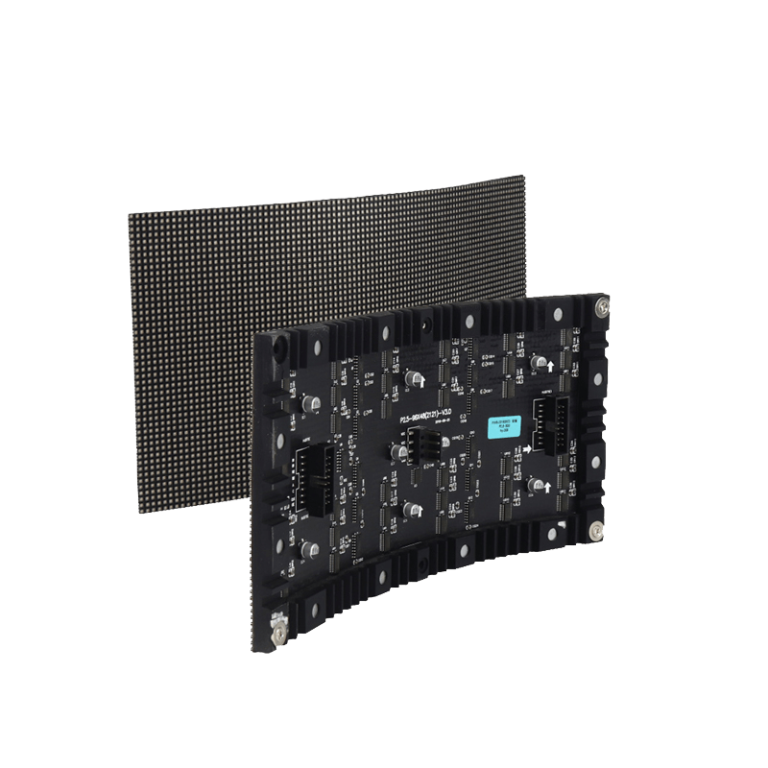
3840 Hz in several flexible indoor configurations and 7680 Hz in some cabinet families. Those references show that fine-pitch LED products may use different drive systems even when they share a similar application. They are not a claim that one refresh value is always better. The exact cabinet, driver IC, receiving card, scan ratio, brightness range, and processor should be confirmed in a current technical proposal.
The Camera Samples a Different Reality
An LED wall switches and scans faster than the eye normally notices. A camera captures exposure in slices. With a rolling shutter, one part of the sensor may read the wall at a slightly different point in its drive cycle than another part. That can appear as a dark band or a moving line. Changing shutter angle, shutter speed, frame rate, focus, or camera position can change the result.
For that reason, a phone check is only a rough warning tool. It cannot replace the actual broadcast, cinema, PTZ, or livestream camera. Test the body and lens that will be used on the job, including the high-speed settings or shallow depth of field that may be used for close shots.
Decide Whether 3840 Hz Is Enough by Testing the Job
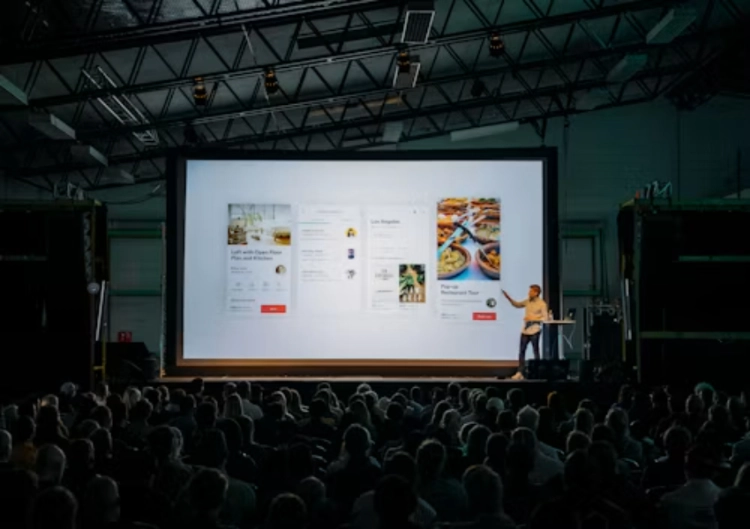
3840 Hz is not a weak specification. In a well-matched indoor build, it may suit presentations, webcast stages, studio segments, and many event cameras. The important question is whether the recorded image stays clean at the intended brightness and shutter settings. A camera-friendly result also depends on good grayscale and calibration when the wall is dimmed.
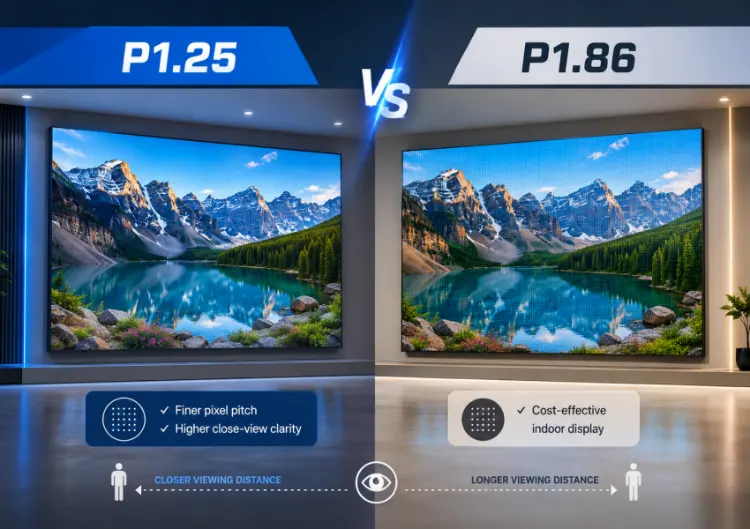
A folding P1.86 LED screen can be relevant for a compact presentation or temporary studio layout, but no portable format should be approved from a brochure alone. Run a real test at the planned camera distance. Record a white field, a grey ramp, dark blue, red, skin tones, small text, and moving graphics. Pan across the wall and move focus through the background.
If scan lines appear, do not assume the wall has failed. Log the shutter, frame rate, brightness, scan configuration, processor input, and content file. A display technician and camera operator can then see whether the issue is an exposure mismatch, a processor setting, a low-brightness limitation, or a specification that does not suit the workflow.
When a 7680 Hz LED Screen May Be Worth the Extra Margin
A 7680 Hz LED screen can be attractive when the wall is frequently on camera, when fast shutter settings or a demanding camera system is expected, or when the production needs a wider operating window. It is not a guarantee against moire, colour issues, or scan artifacts. Pixel pitch, sensor resolution, lens sharpness, focus, content, and processing remain important.
It is also not sensible to buy the highest number at the expense of other needs. A wall with inadequate pixel pitch, poor calibration, difficult service access, or a mismatched processor may cause more practical trouble than the refresh figure solves. The purchase decision should compare like-for-like builds: same screen size, source resolution, brightness range, control system, and camera test conditions.
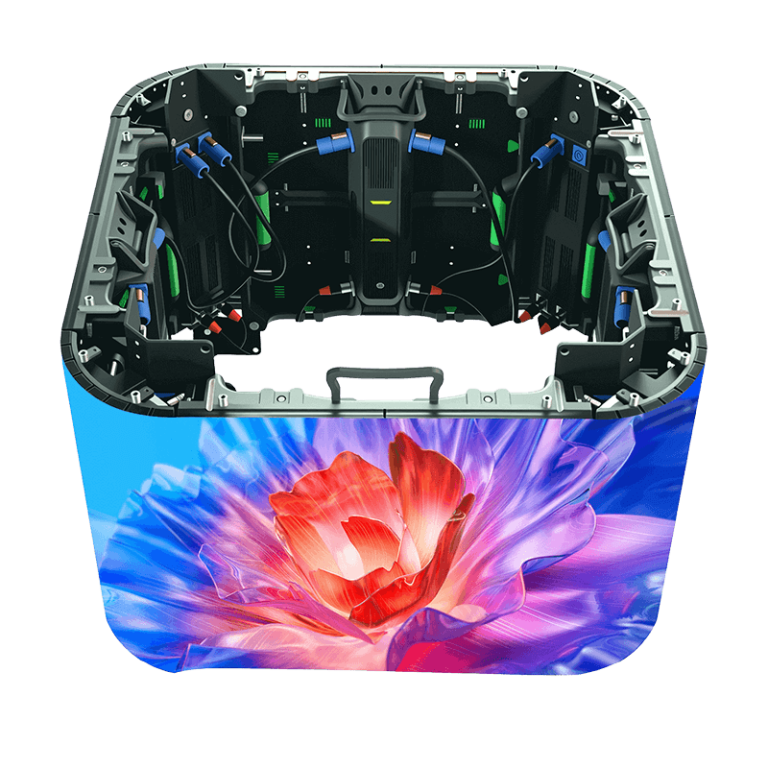
หนึ่ง จอแสดงผลแบบยืดหยุ่นภายในอาคาร may suit a shaped or space-limited set, but curve geometry changes the camera angle and content mapping. A bright จอแสดงผลกลางแจ้ง P6.25 solves a different daylight and protection requirement. Both examples reinforce the same point: the refresh rate must be judged inside the whole cabinet and camera system.
Low Brightness Is the Test Many Demos Miss
Studios and streaming rooms often dim the wall so it fits the key light and does not overpower a presenter. That is where poor grayscale or pulse-width modulation behaviour may become more visible to the camera. A manufacturer demonstration at maximum brightness may look clean and still fail at the operating level used during a talk show or product launch.
Specify at least three test points: low working brightness, normal operating brightness, and the highest level likely to be used. At each point, capture static colours, gradients, white text, dark scenes, and motion. Note colour uniformity across cabinet joins. A replacement module that looks close enough to the eye can be obvious in a neutral studio background.
Build a Shared Acceptance Sheet
The LED supplier should provide the quoted refresh rate, scan configuration, driver information where available, processor model, supported input formats, calibration approach, and recommended operating settings. The camera team should supply body, sensor mode, lenses, frame rates, shutter values, exposure approach, and planned camera movements.
Put both lists in one acceptance sheet. Save the tested processor and brightness settings. Include a pass/fail definition based on recorded footage, not a generic anti-flicker statement. If a particular setting is required for clean footage, it should be practical for the production team to repeat it on later shoot days.
Buy Evidence, Not a Number on a Label
Leyaled’s indoor and flexible display provides a useful route into a technical discussion, while เลียลเลด gives the wider category context. The final selection must still be confirmed with the actual camera setup. Ask for a sample, a configuration-specific data sheet, a camera test, matched spare modules, and a written method for restoring calibration after service.
The answer to what refresh rate a fine-pitch LED screen needs is therefore conditional. Start with a suitable 3840 Hz or 7680 Hz configuration, then prove it under the real shutter, frame rate, brightness, content, and camera conditions. That approach protects the production better than a blanket claim about either number.
คำถามที่พบบ่อย
Q1: Is 3840 Hz high enough for an LED screen for camera use?
A1: It can be, but only a test with the intended camera, shutter, frame rate, brightness, scan configuration, processor, and content can confirm the result for a specific job.
Q2: Does a 7680 Hz LED screen remove moire?
A2: No. Moire is also shaped by pixel pitch, sensor pattern, lens, focus, camera distance, angle, and content. Higher refresh addresses a different part of the camera problem.
Q3: Which test content should be used for refresh-rate acceptance?
A3: Include white, grey ramps, dark scenes, saturated colours, fine text, skin tones, motion, and real program graphics at the working brightness levels and planned camera positions.